


Talk · slidesHyvä Meetup

Late to the party

Everything about loading third-party scripts

Your new Hyvä store scores 100 on PageSpeed — until the tag manager goes live. How to load third-party scripts without giving all that speed away.

  1. Title slide: Late to the party, everything about loading third-party scripts.
  2. Speaker slide: Edwin Bos, Lead Front-End at Cream.
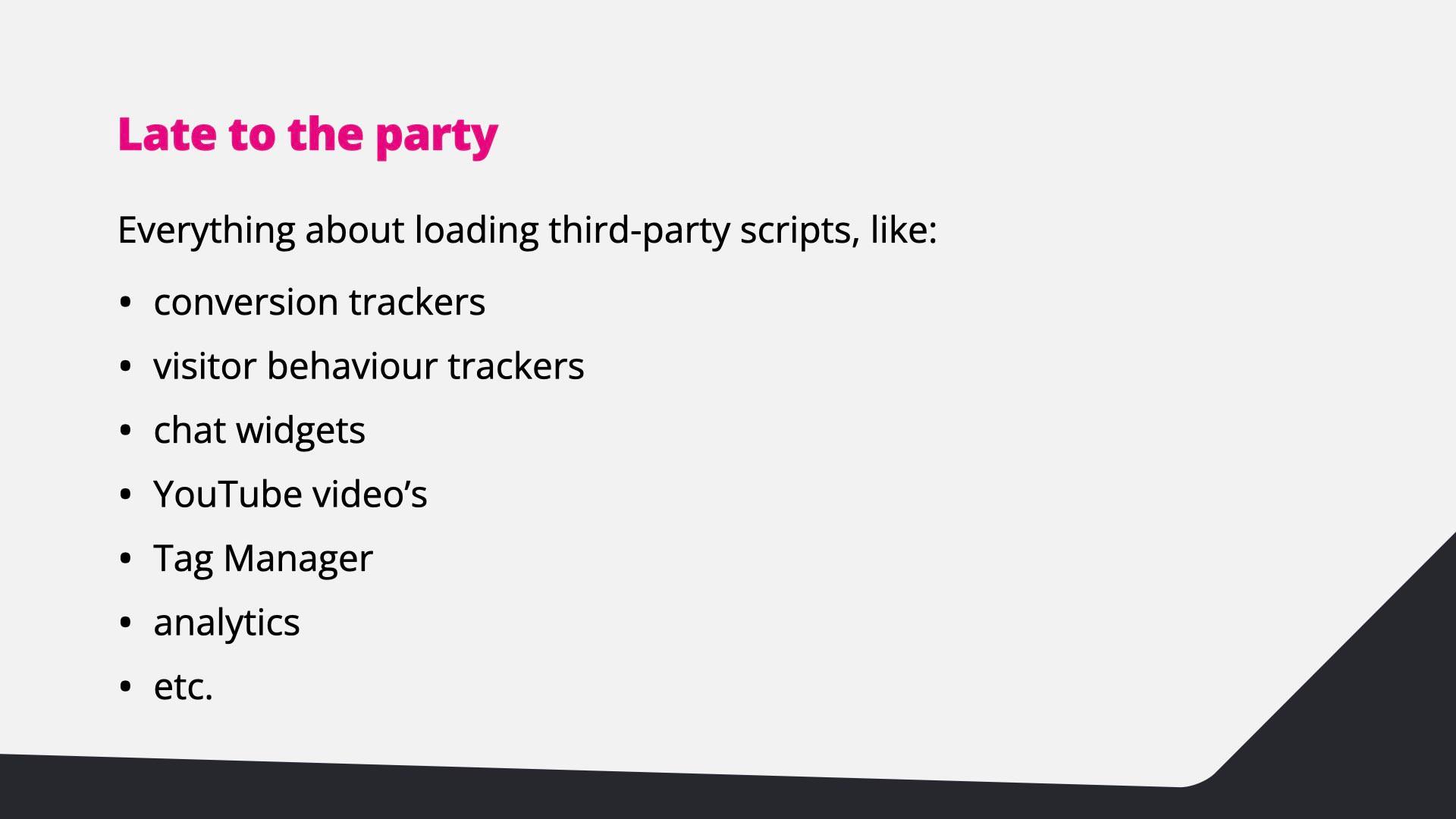
  3. Third-party scripts include conversion trackers, visitor behaviour trackers, chat widgets, YouTube videos, Tag Manager and analytics.
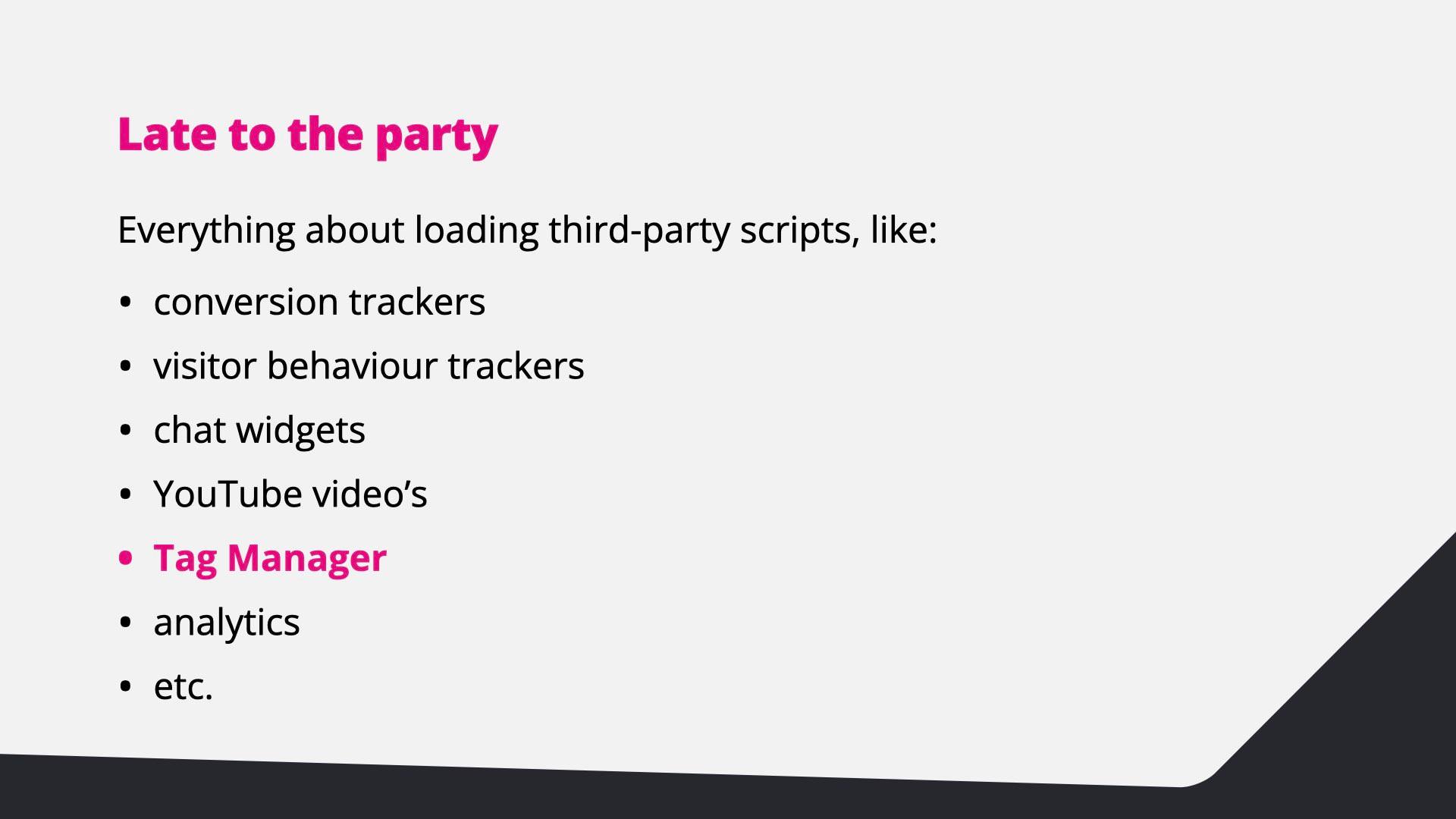
  4. The same list, with Tag Manager highlighted.
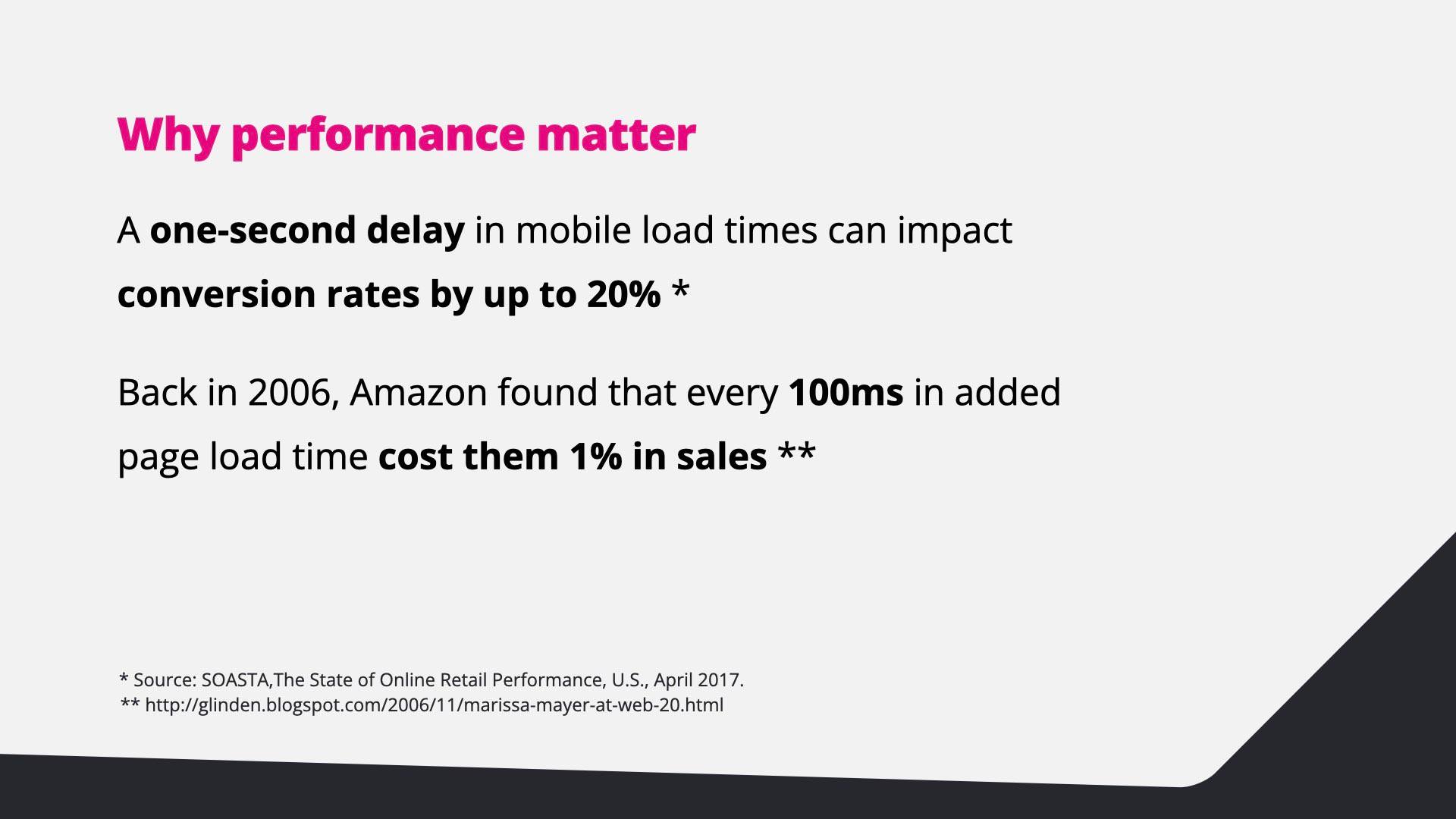
  5. A one-second delay in mobile load times can impact conversion rates by up to 20%; in 2006 Amazon found every 100 ms of added load time cost them 1% in sales.
  6. If a slow experience drives customers away, a fast experience can help attract and keep them.
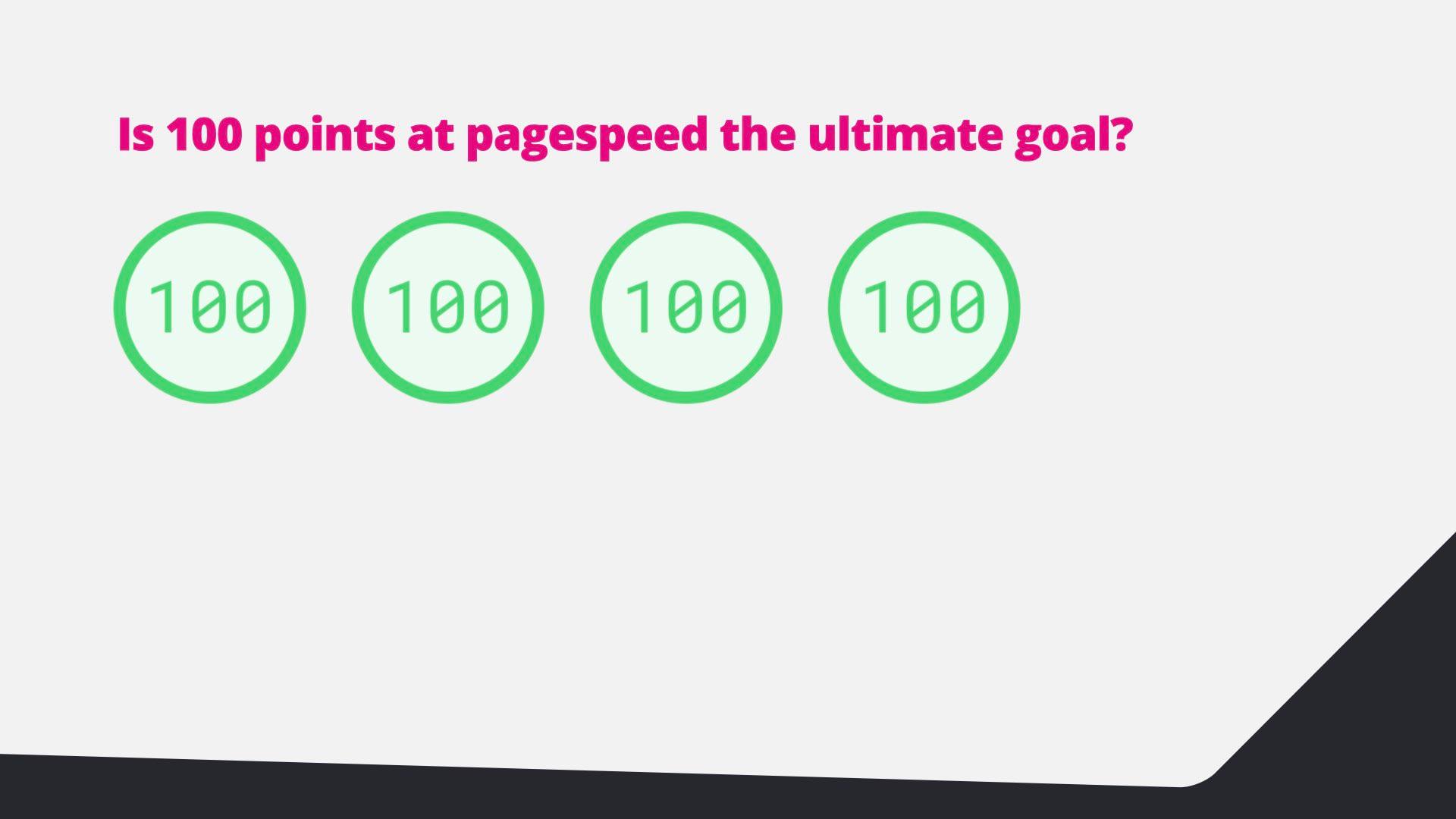
  7. Is 100 points on PageSpeed the ultimate goal? Four perfect 100 scores.
  8. PageSpeed Insights is a good starting point; DevTools and tools like WebPageTest give better insight.
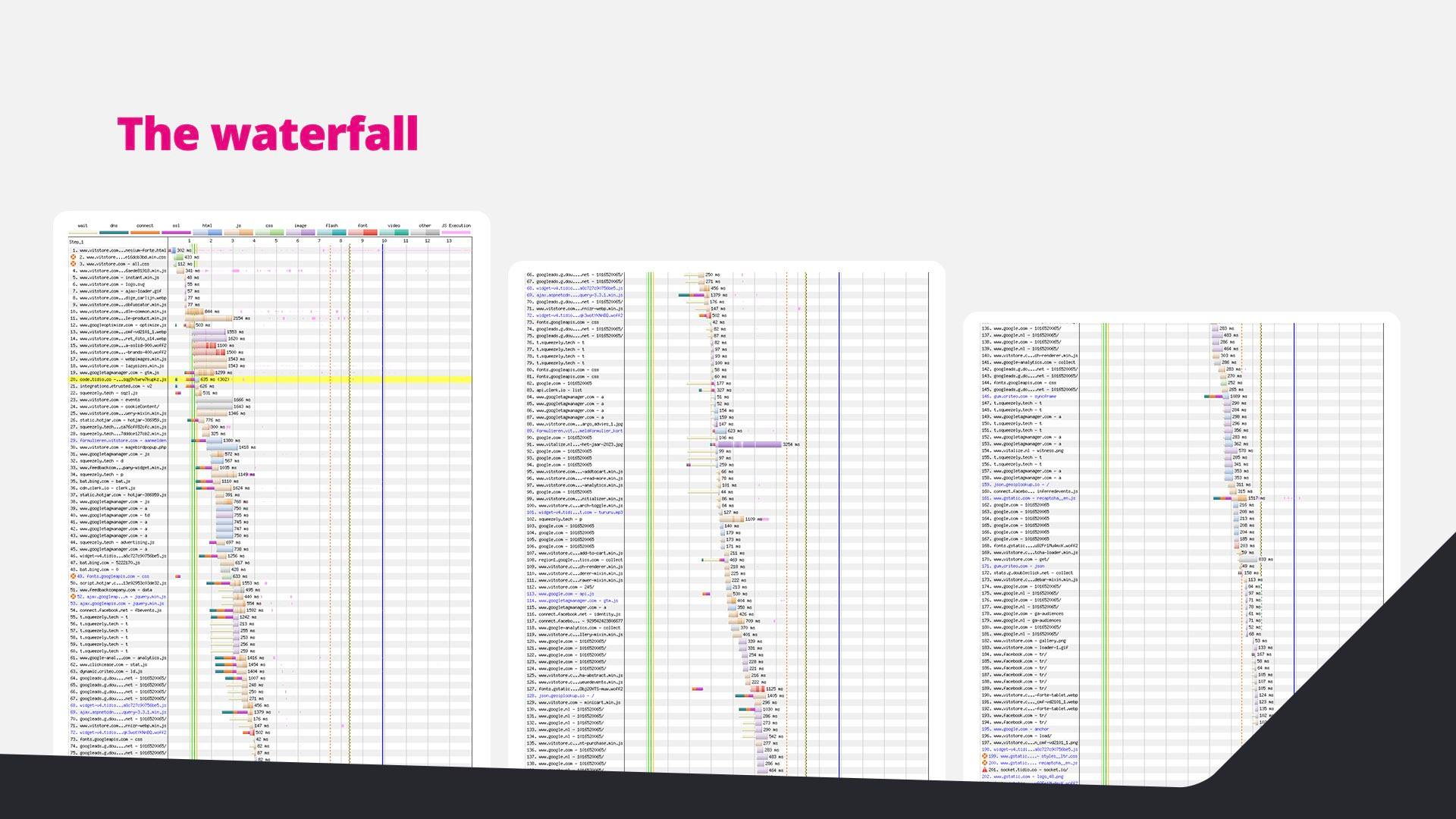
  9. Three network waterfall charts from a real page load.
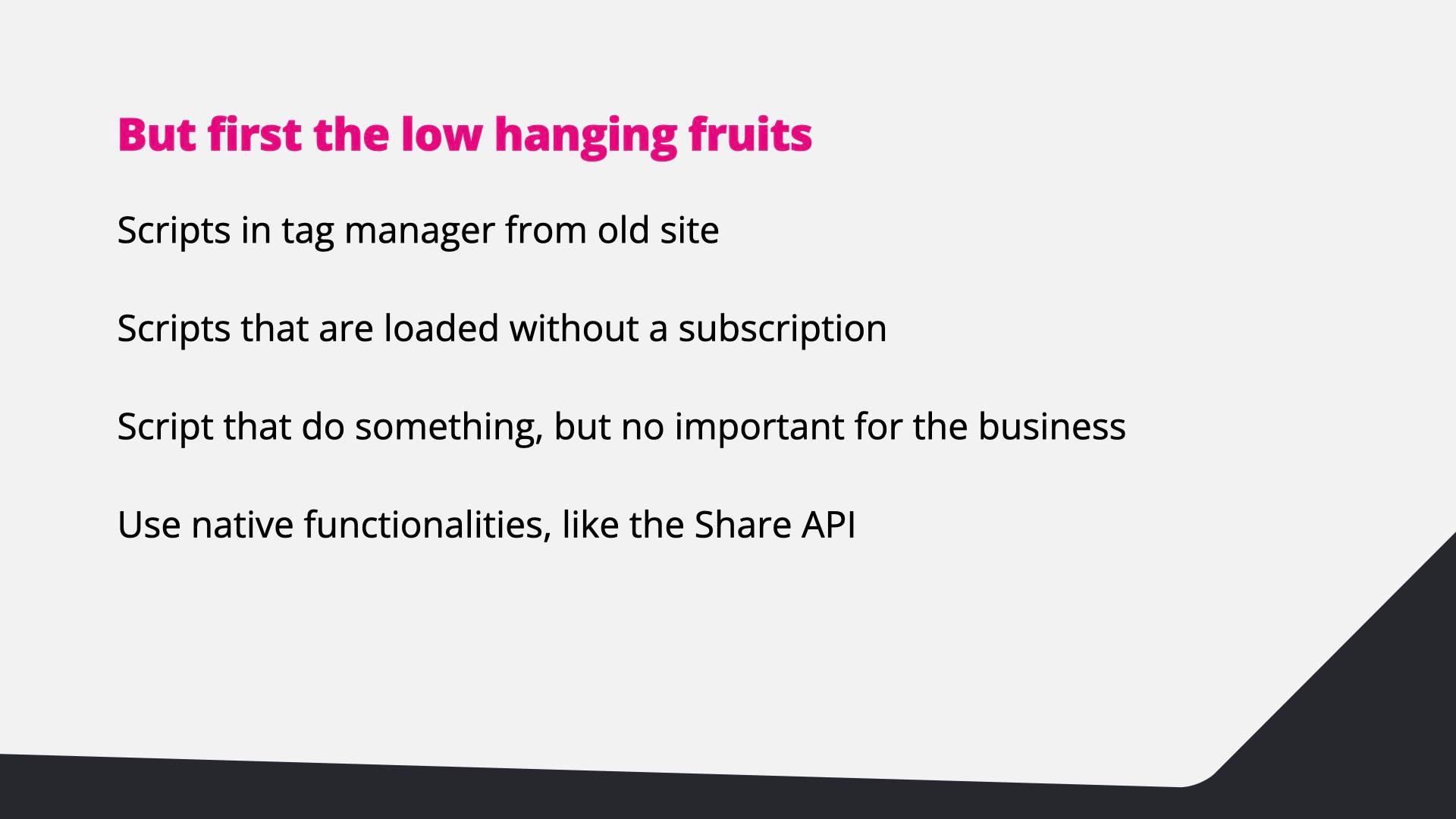
  10. First the low-hanging fruit: old scripts in the tag manager, scripts for cancelled subscriptions, scripts that matter little to the business, and native features like the Share API.
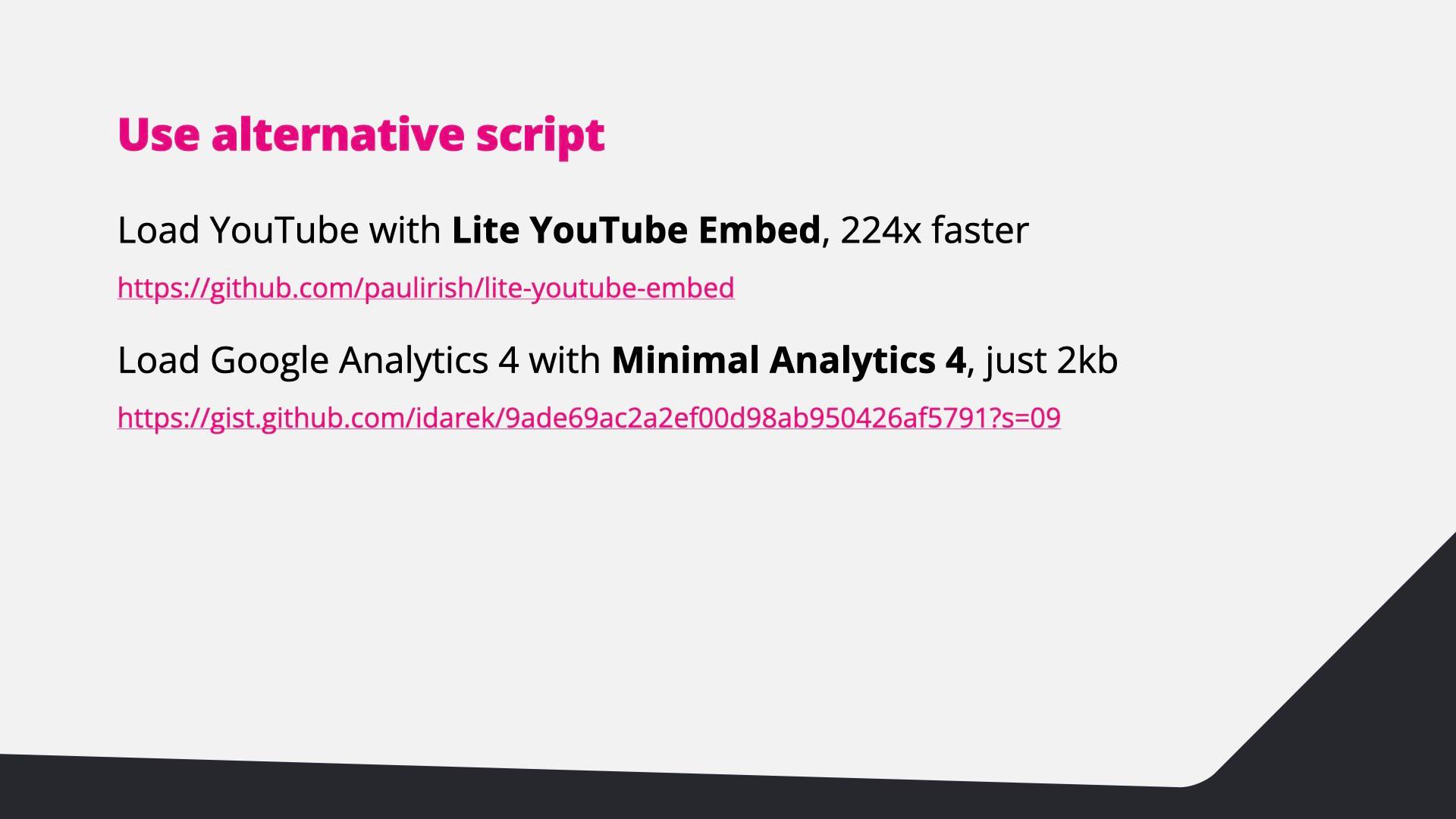
  11. Use alternative scripts: Lite YouTube Embed is 224× faster, and Minimal Analytics 4 is just 2 kB.
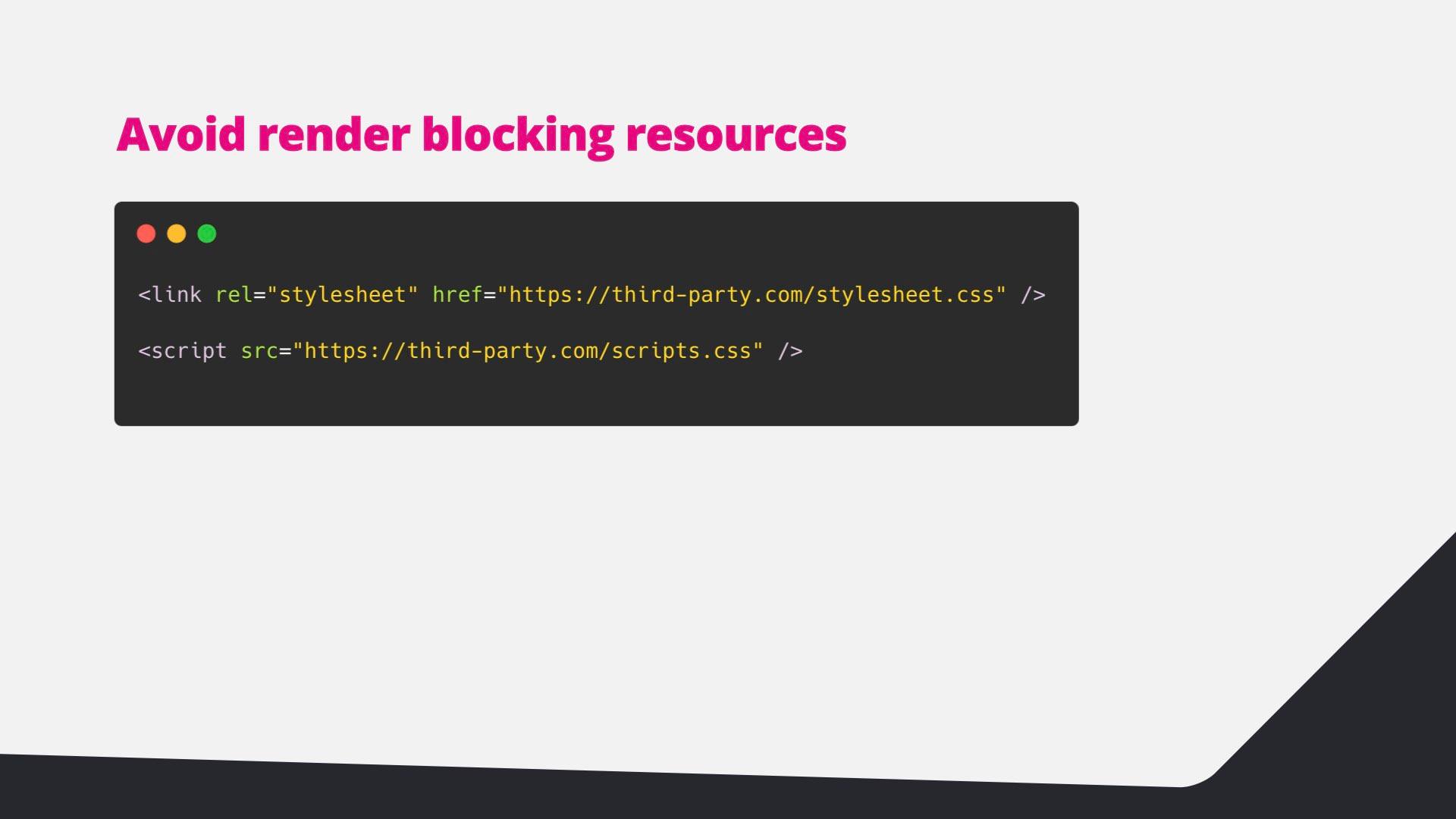
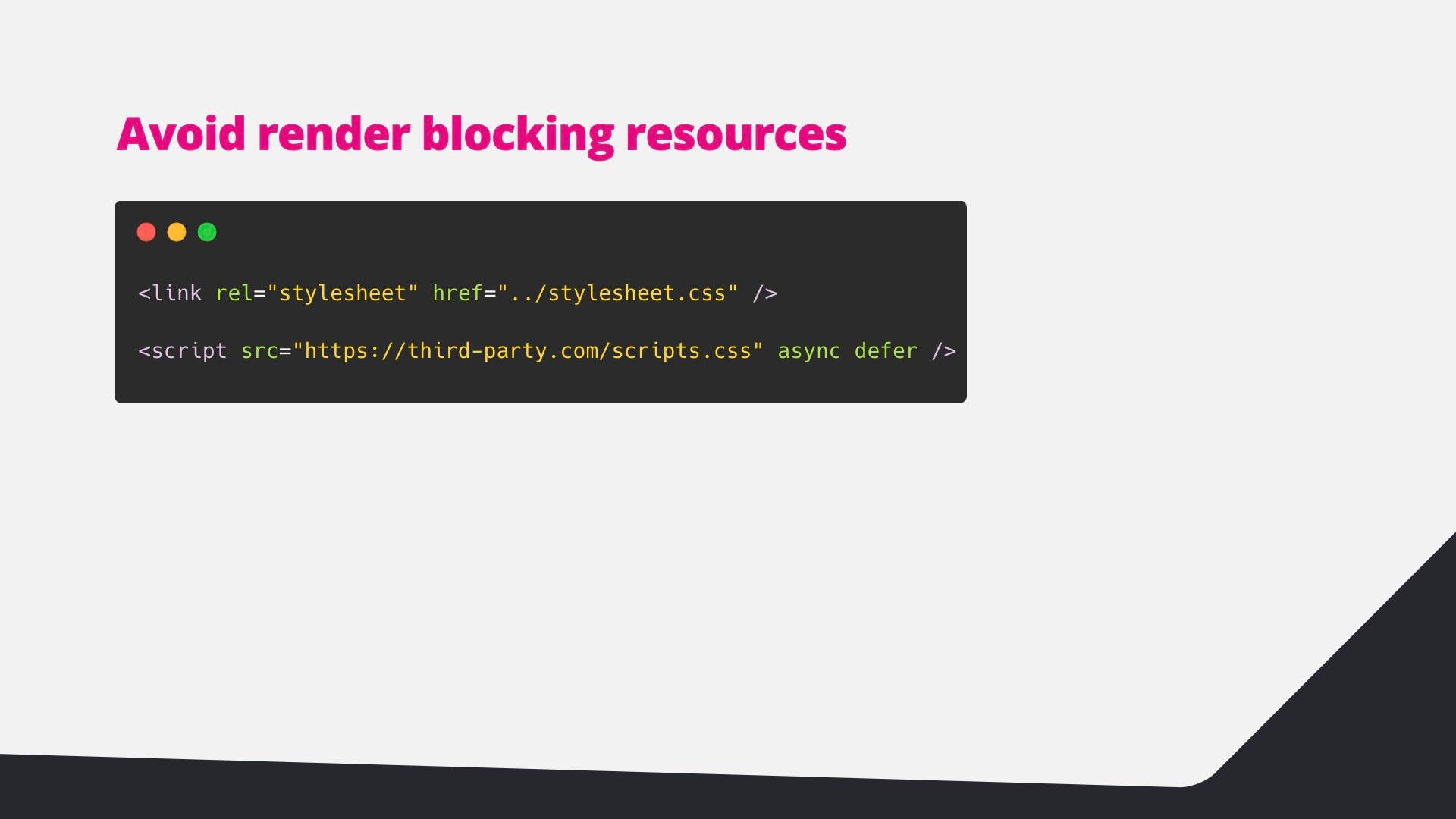
  12. Code: a third-party stylesheet and script loaded in the head.
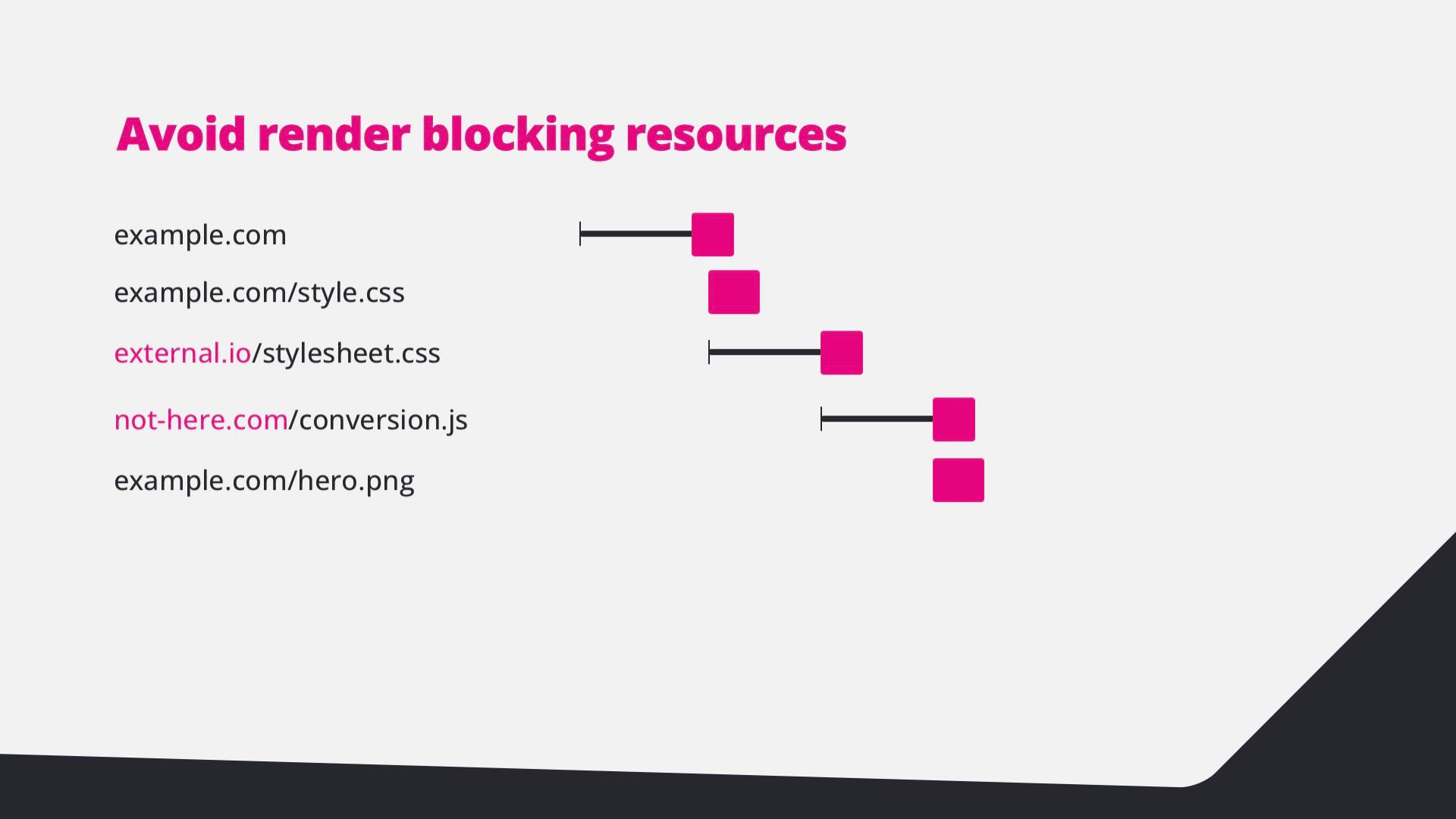
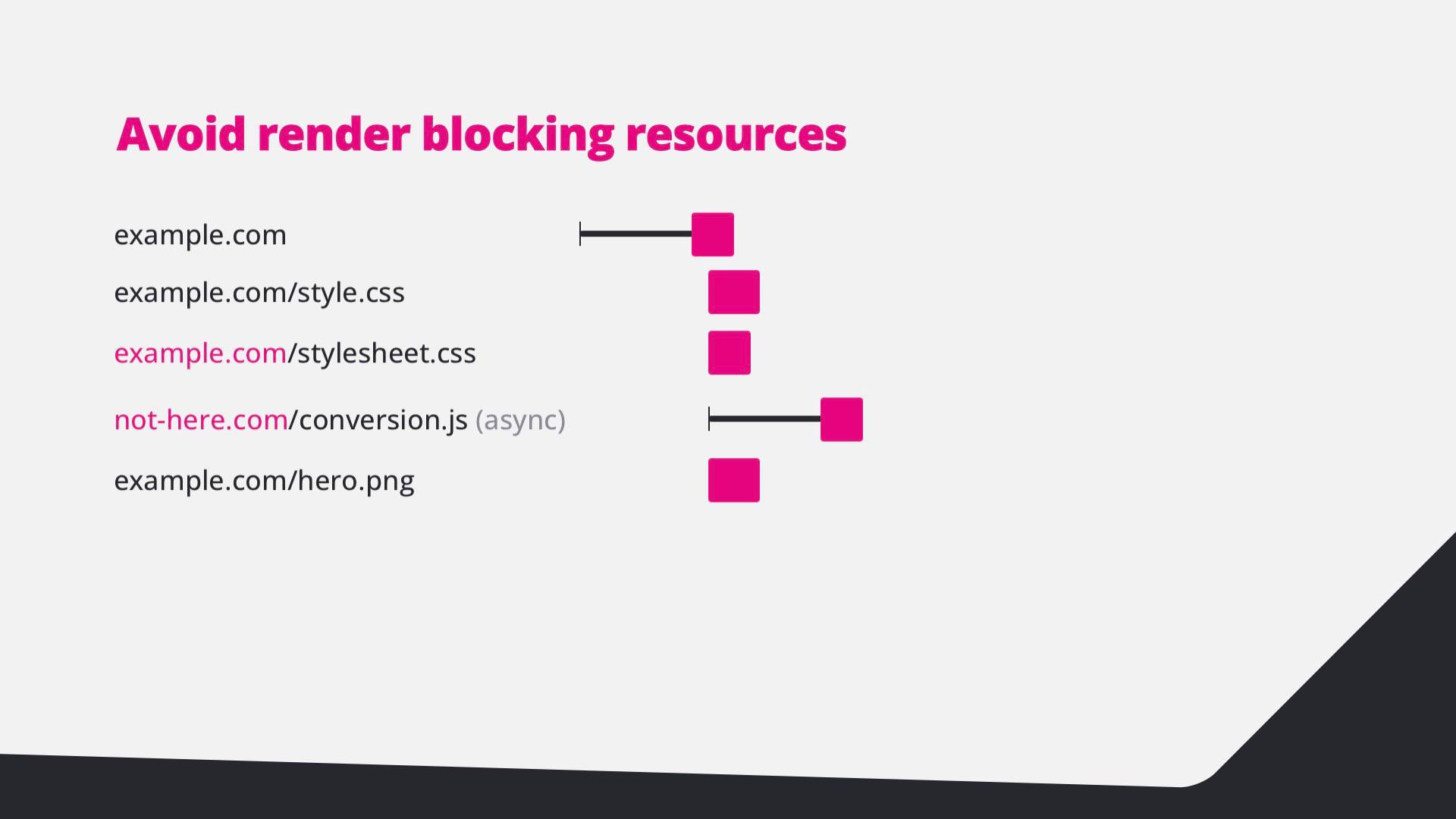
  13. Waterfall: the external stylesheet and conversion script block the page.
  14. Code: the same stylesheet local and the third-party script loaded async and defer.
  15. Waterfall: with async, the conversion script no longer blocks the page.
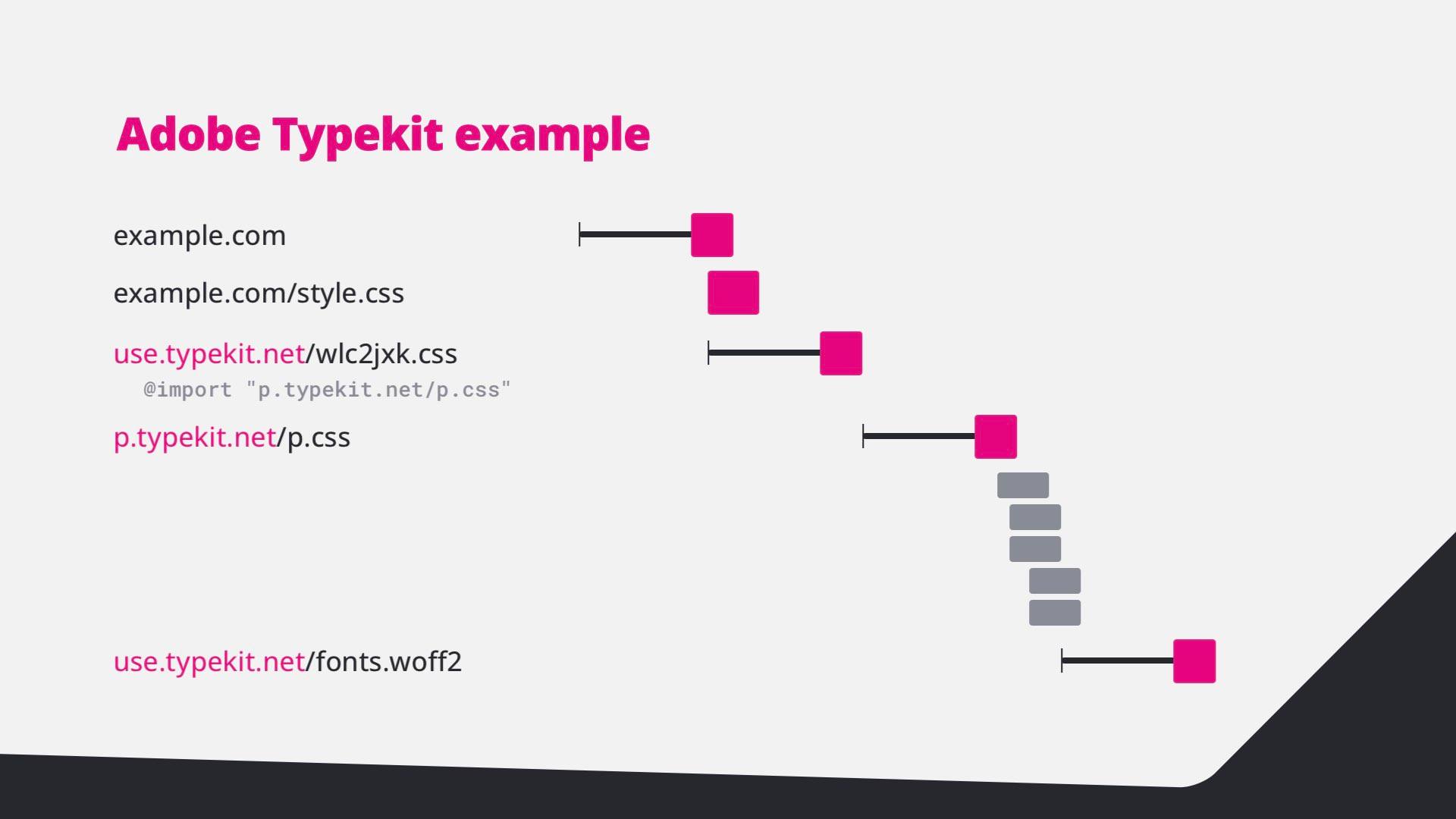
  16. Adobe Typekit example: a stylesheet that imports another stylesheet before the font loads.
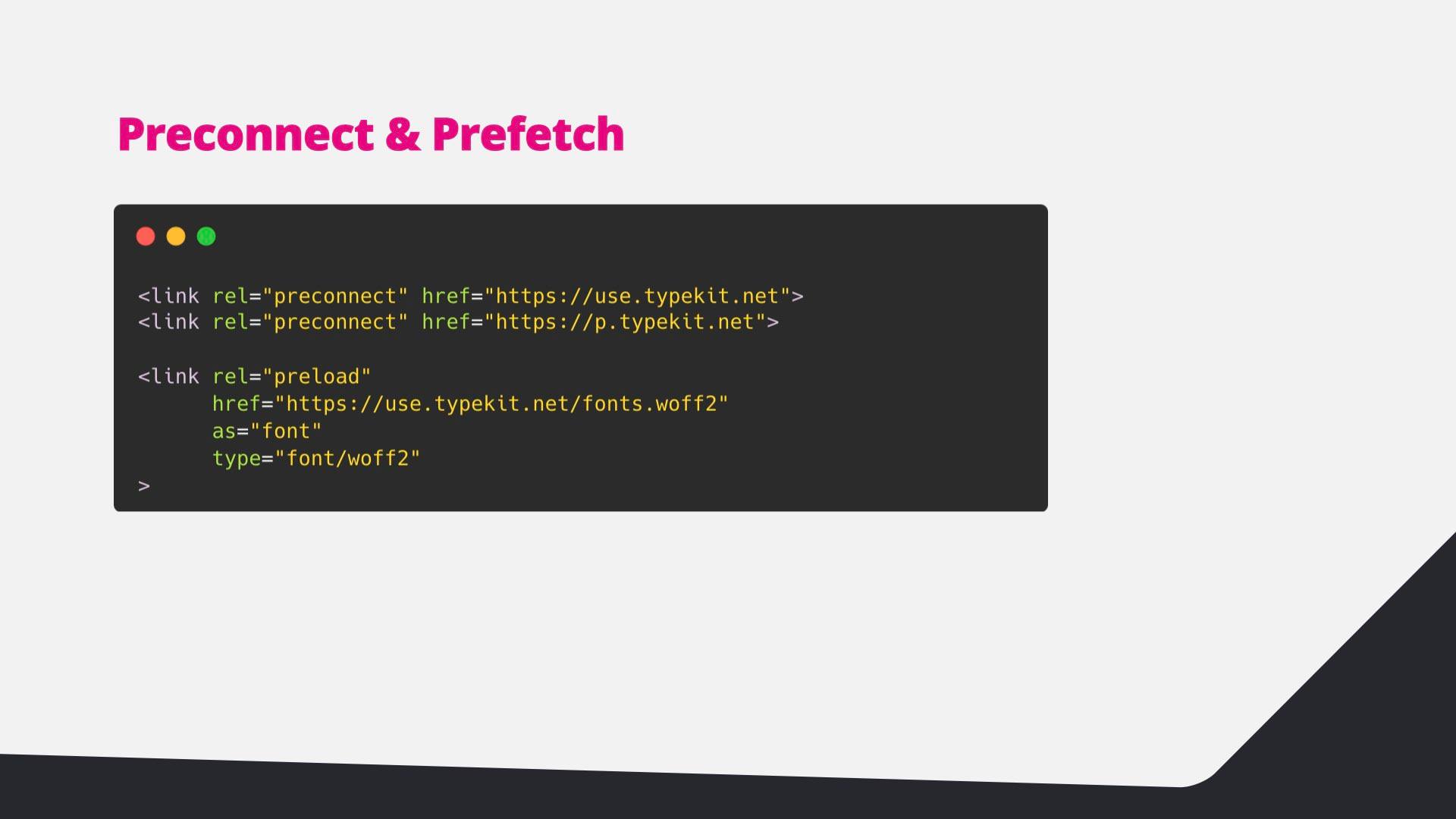
  17. Code: preconnect to the Typekit origins and preload the font file.
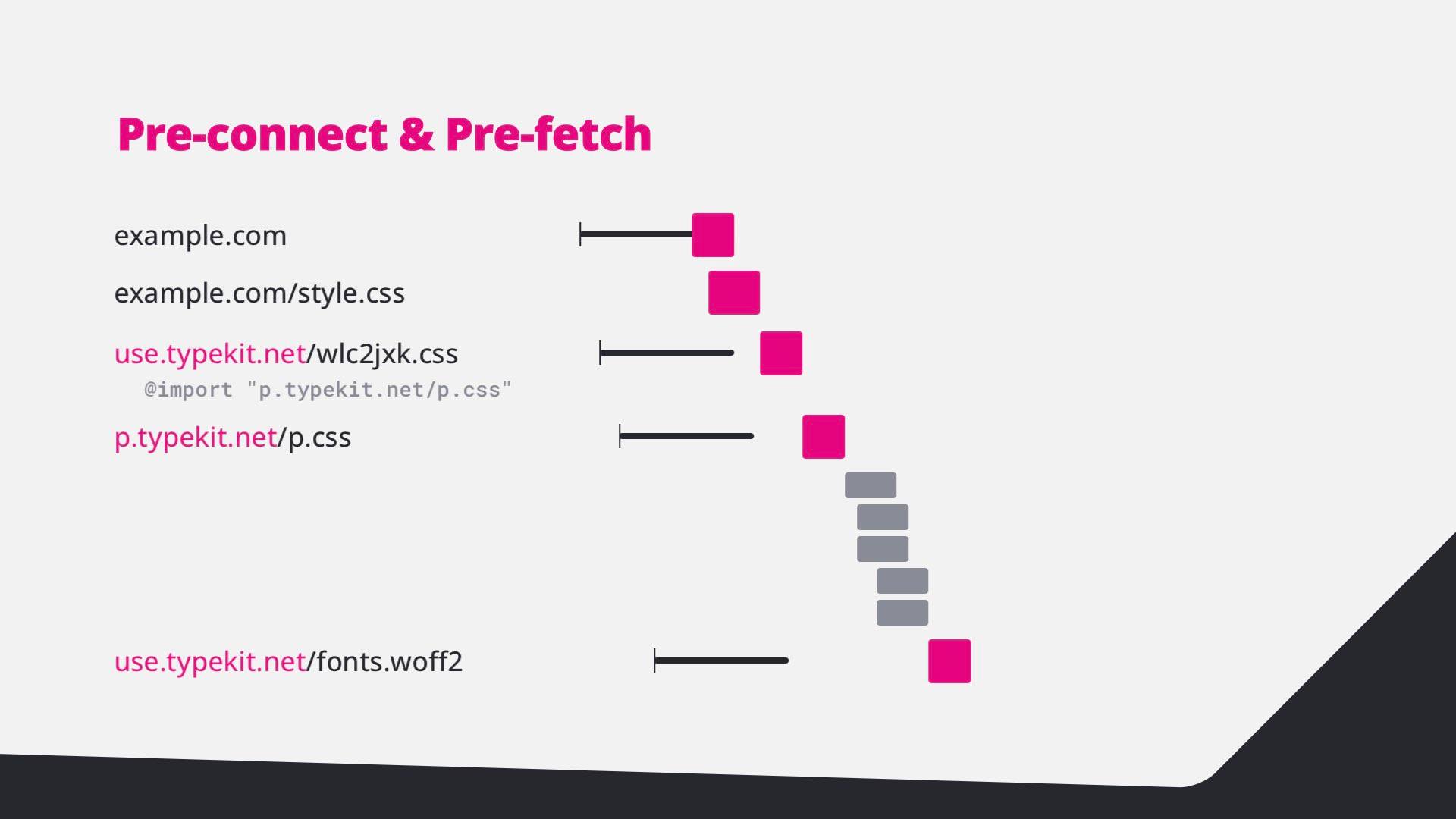
  18. Waterfall: with preconnect and preload, the font arrives much earlier.
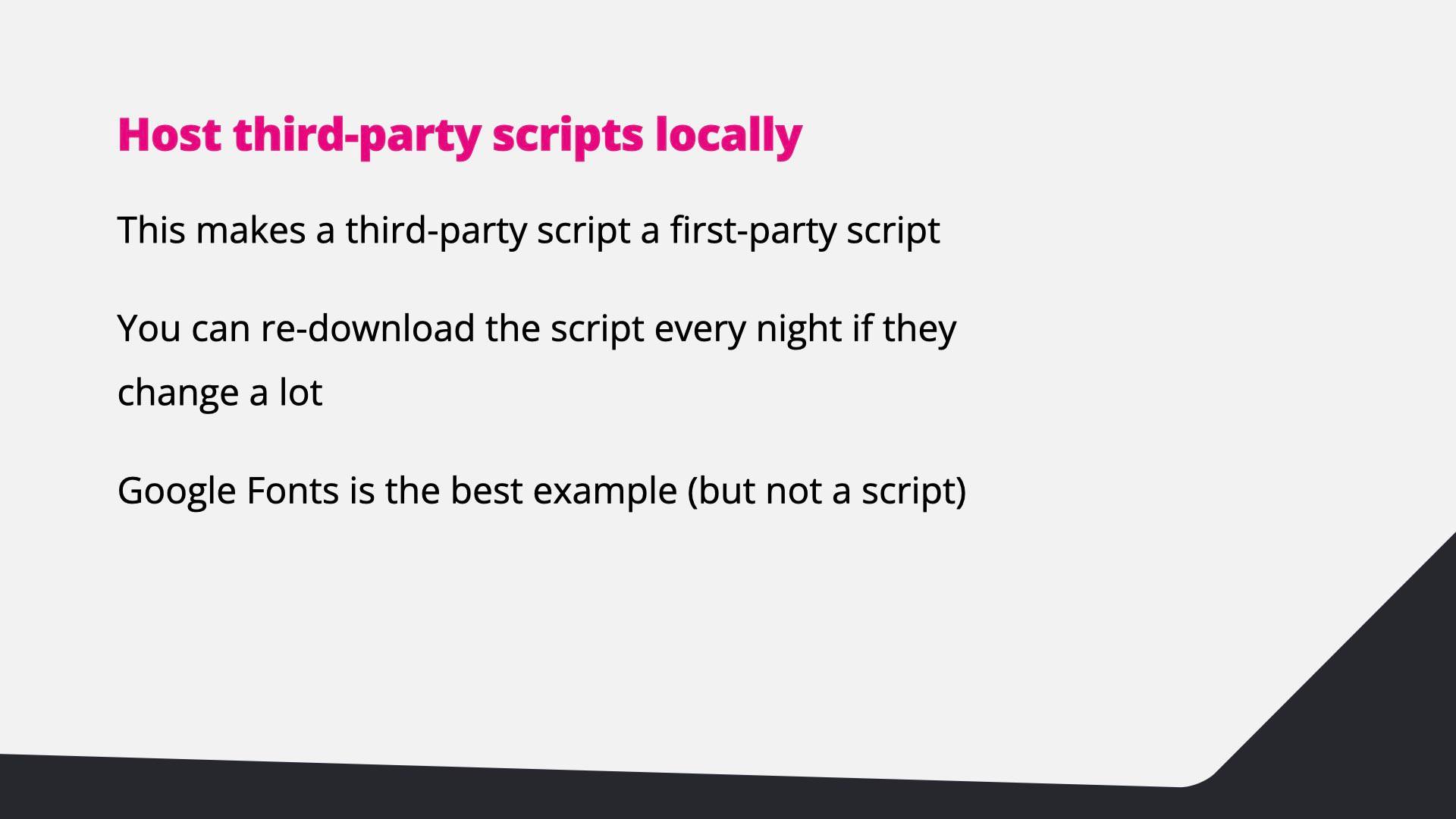
  19. Host third-party scripts locally: it makes them first-party; re-download them nightly if they change a lot. Google Fonts is the best example.
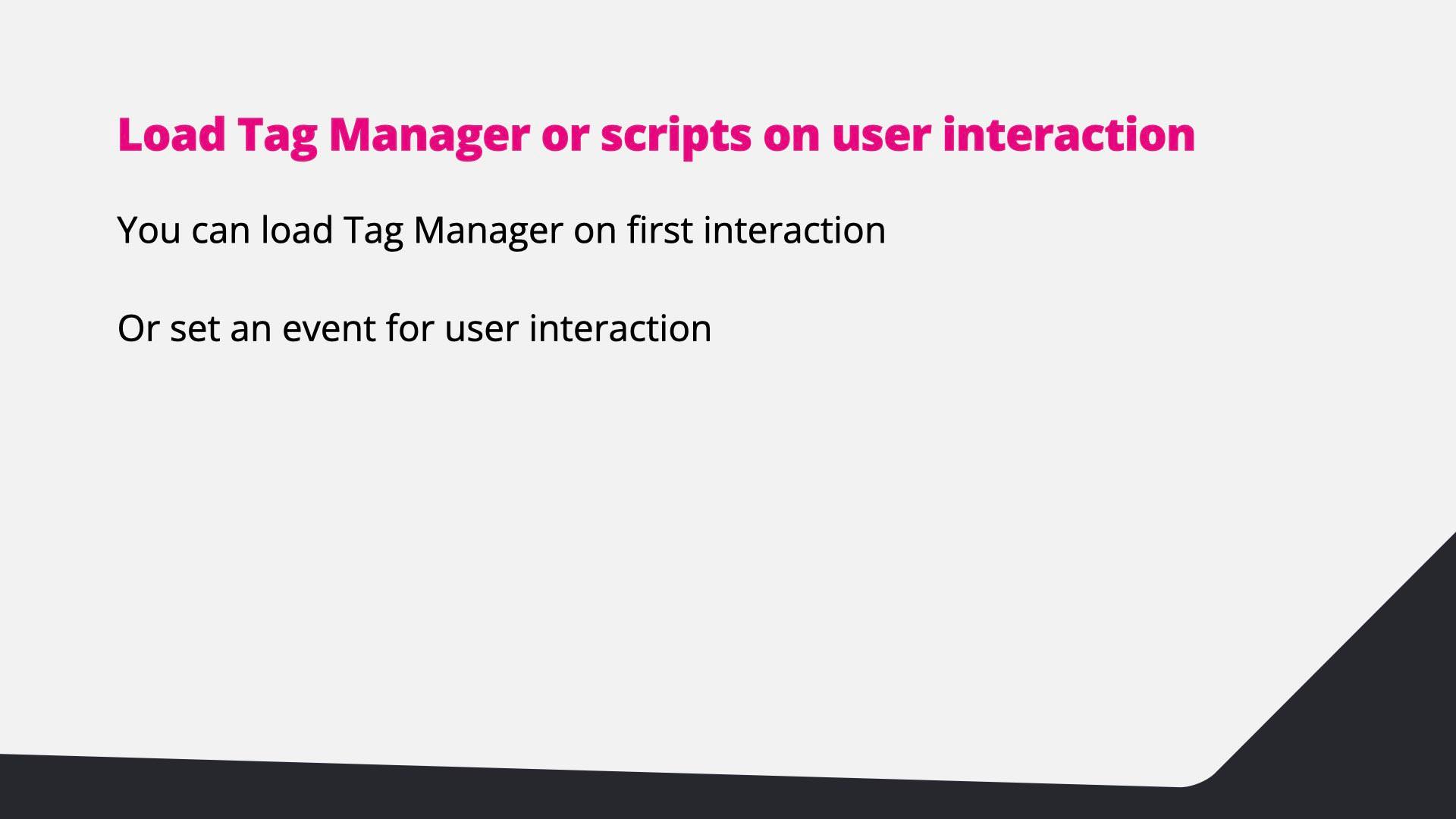
  20. Load Tag Manager or scripts on user interaction, or set an event for user interaction.
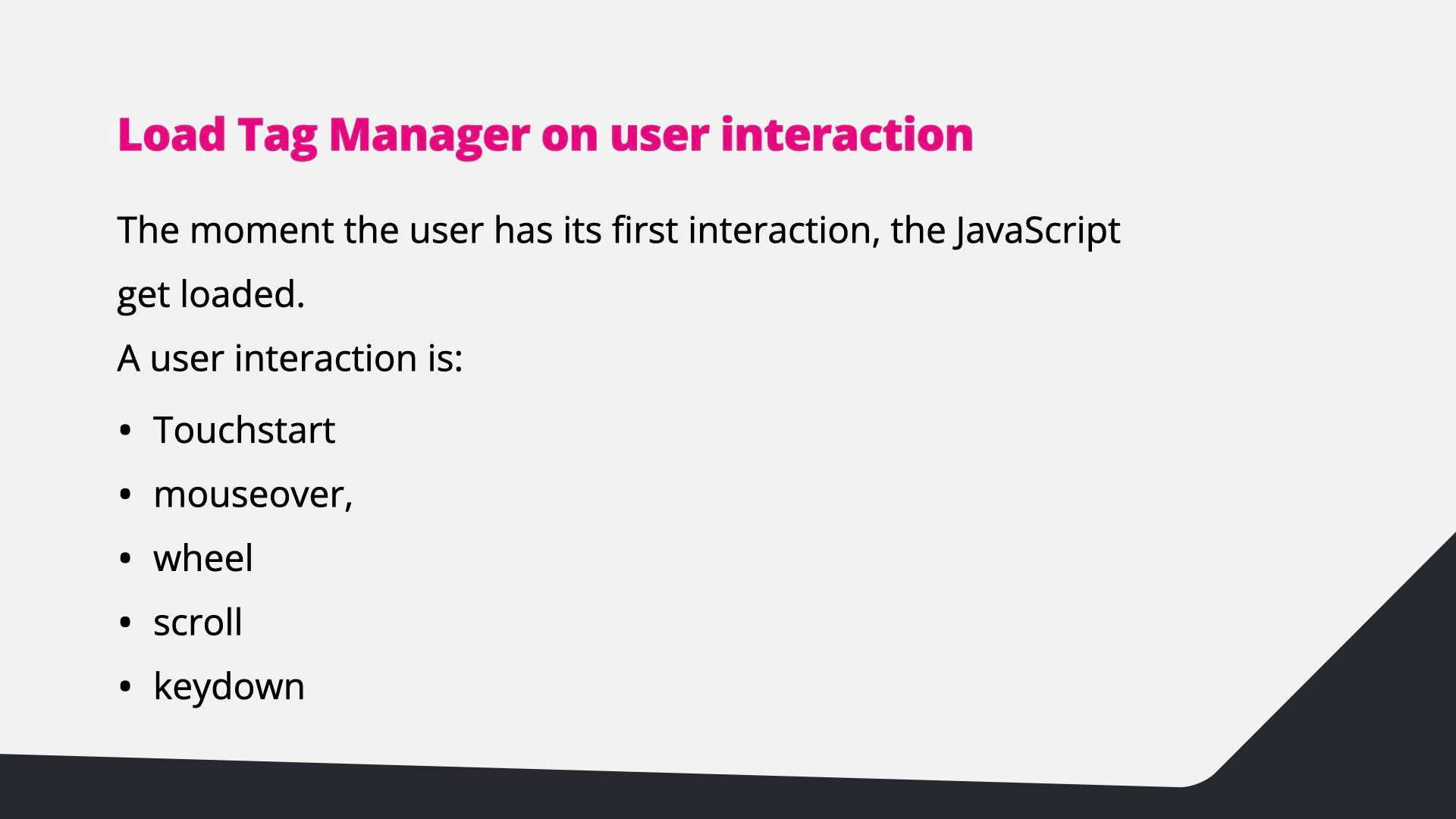
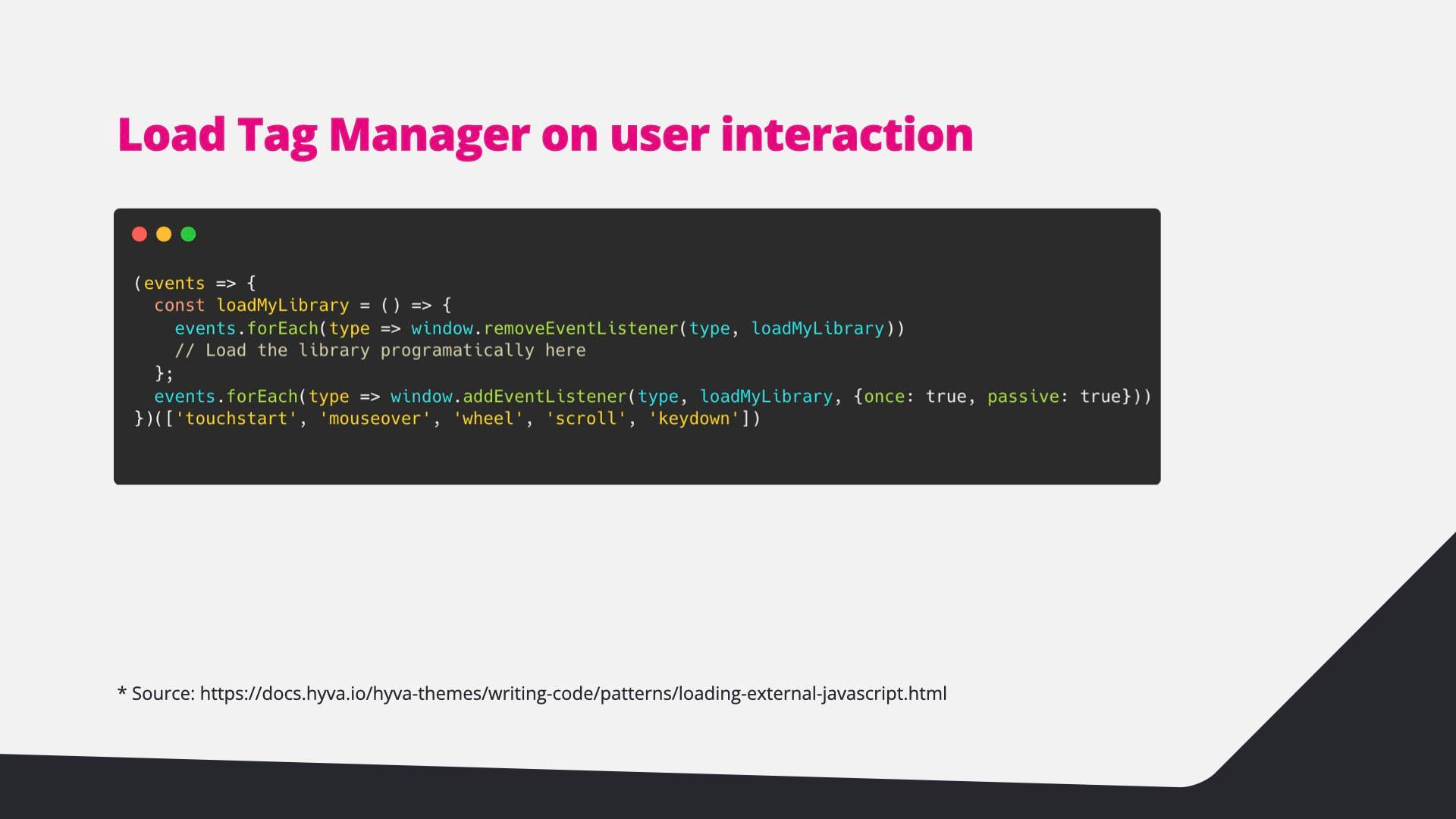
  21. The JavaScript loads at the first interaction: touchstart, mouseover, wheel, scroll or keydown.
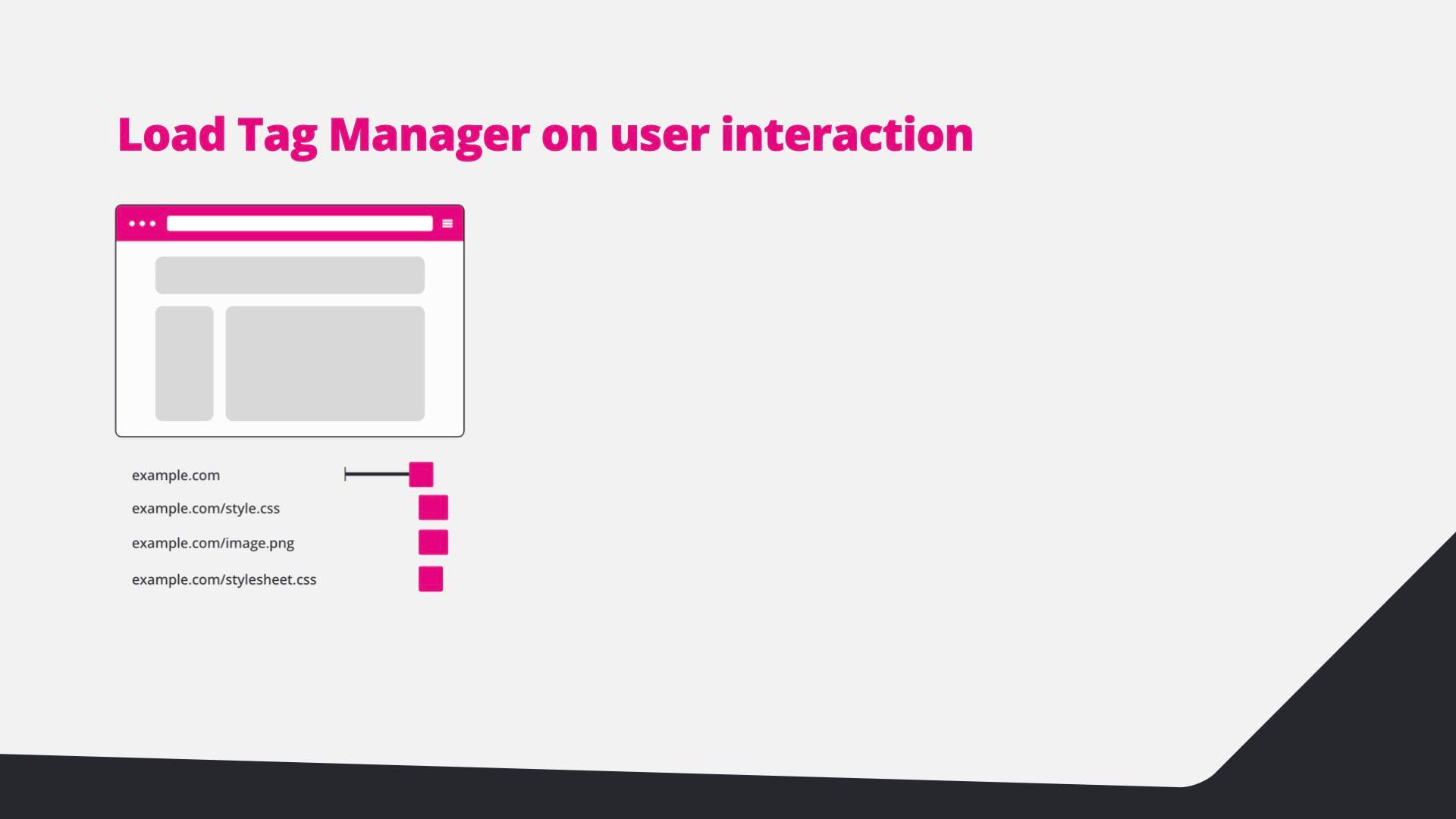
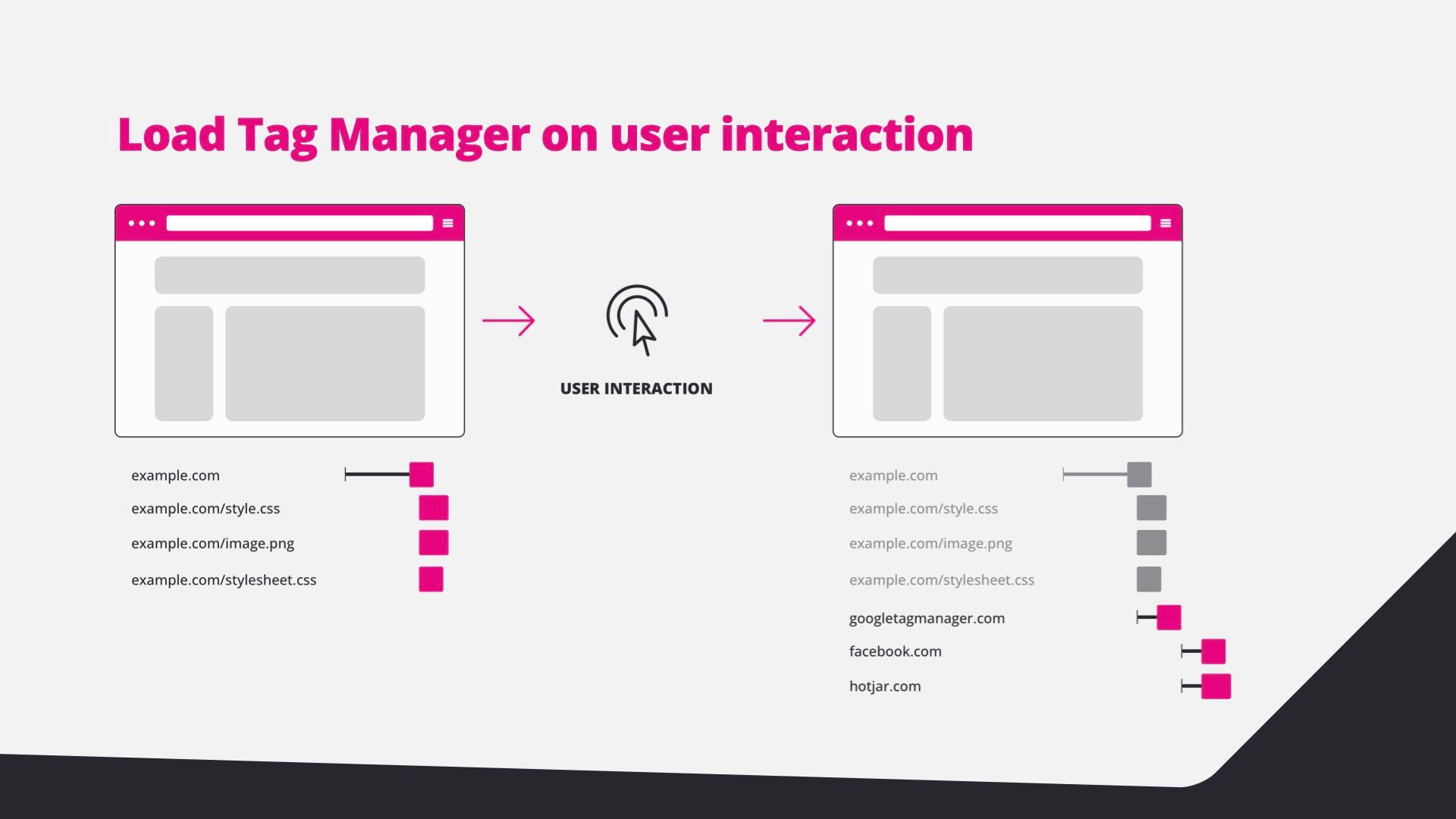
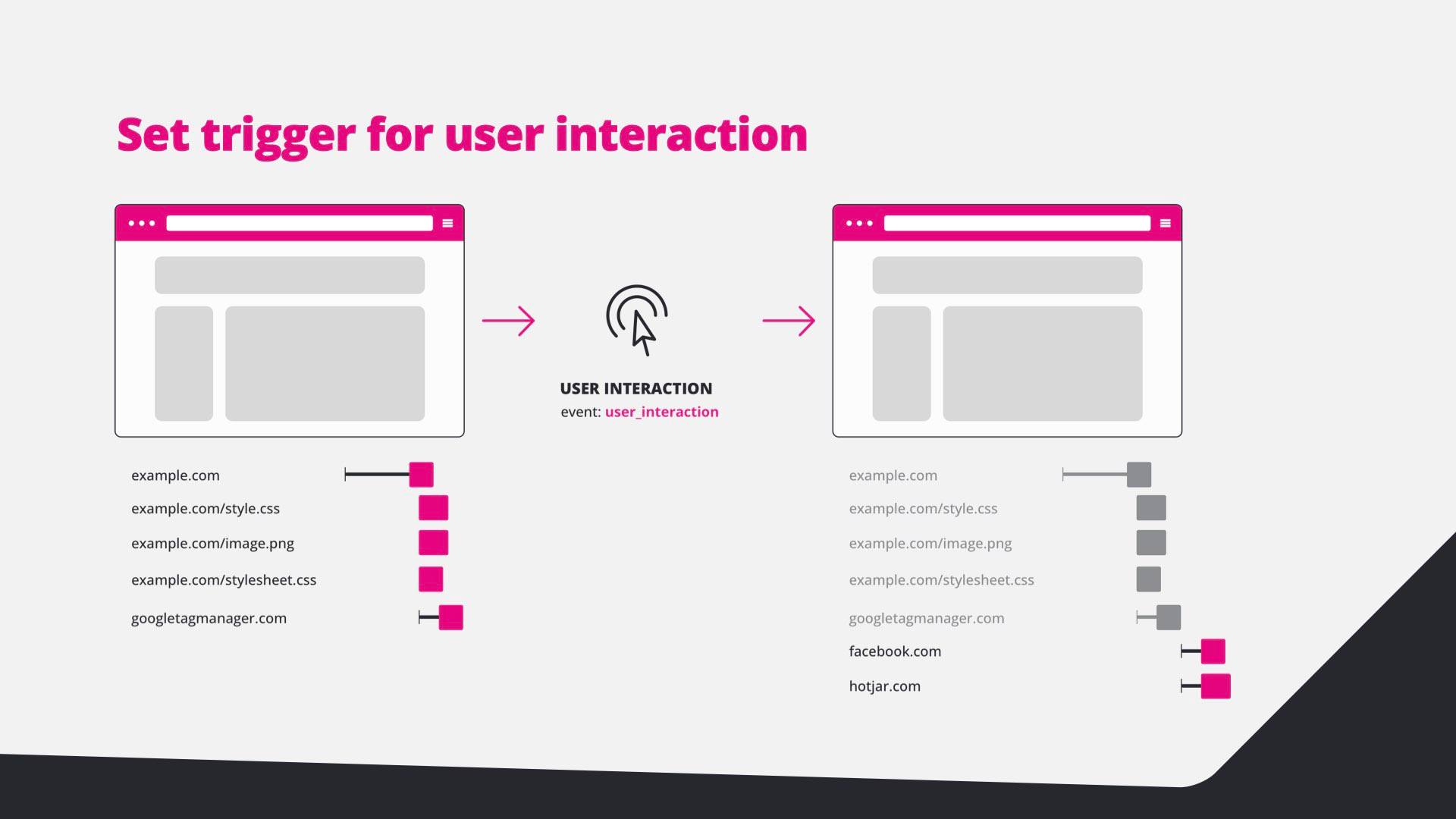
  22. Diagram: the page loads without the tag manager.
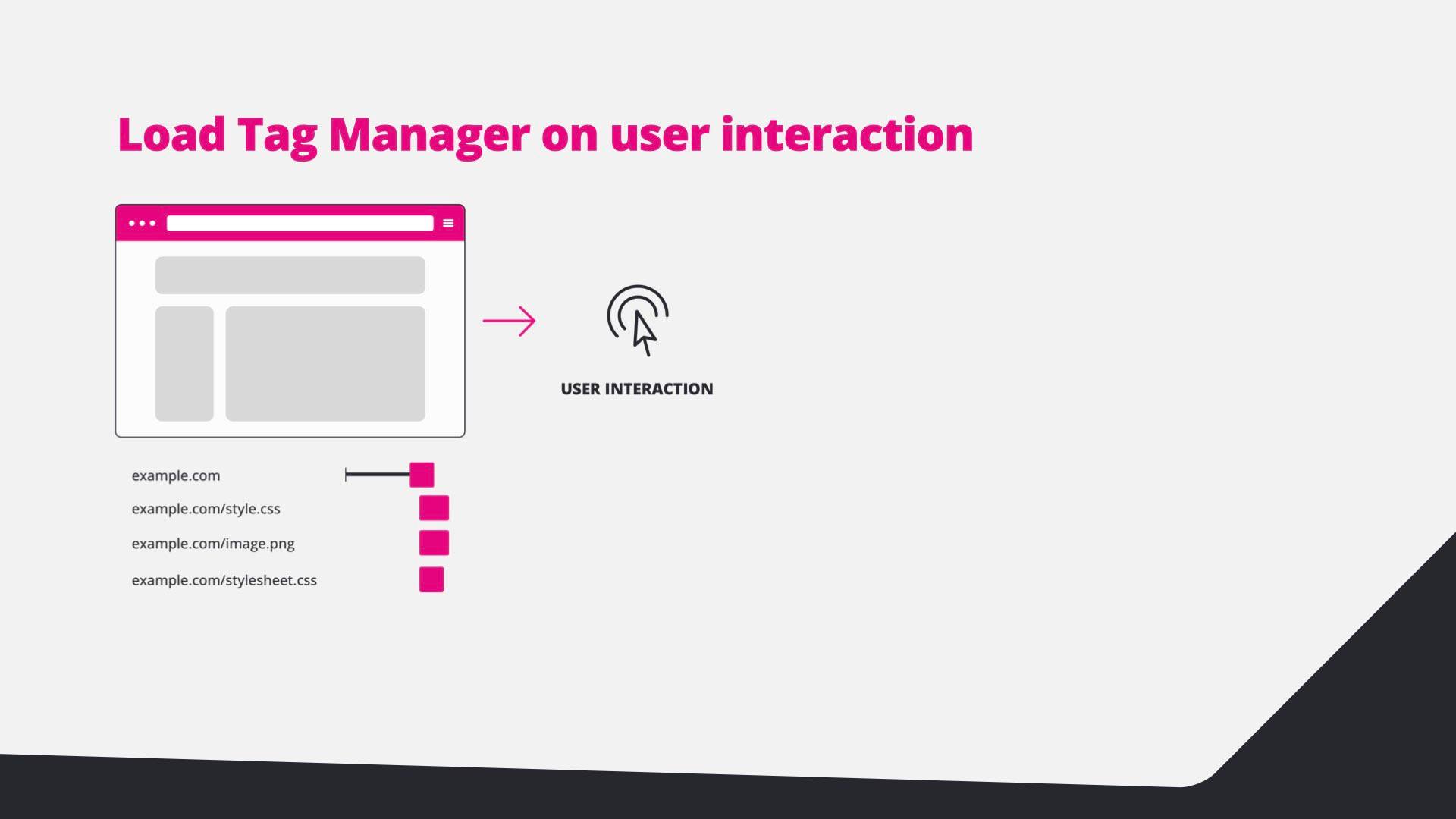
  23. Diagram: the user interacts with the page.
  24. Diagram: after the interaction, Google Tag Manager, Facebook and Hotjar load.
  25. Code: add listeners for each interaction type that load the library once.
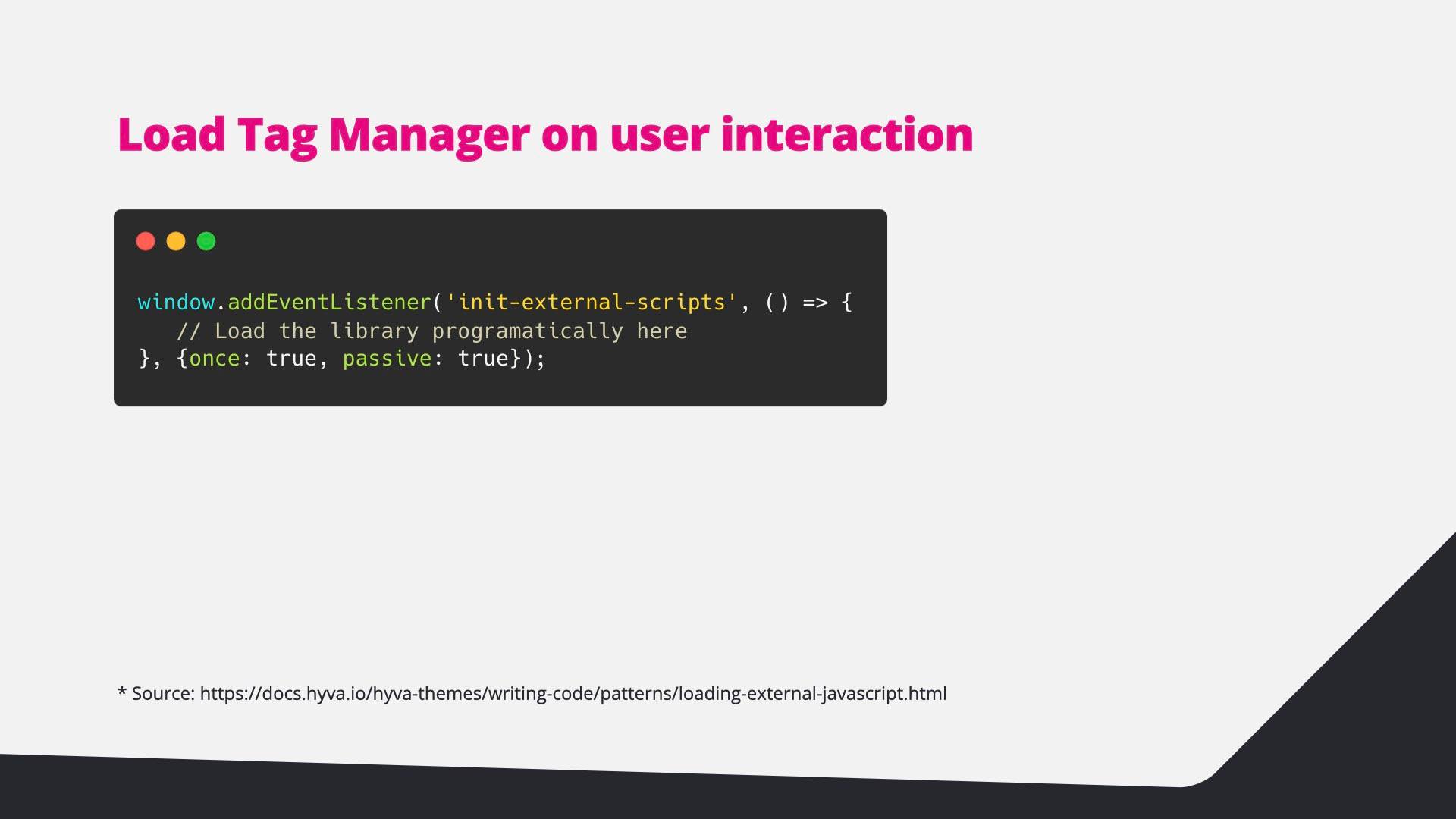
  26. Code: listen for the Hyvä init-external-scripts event, once and passive.
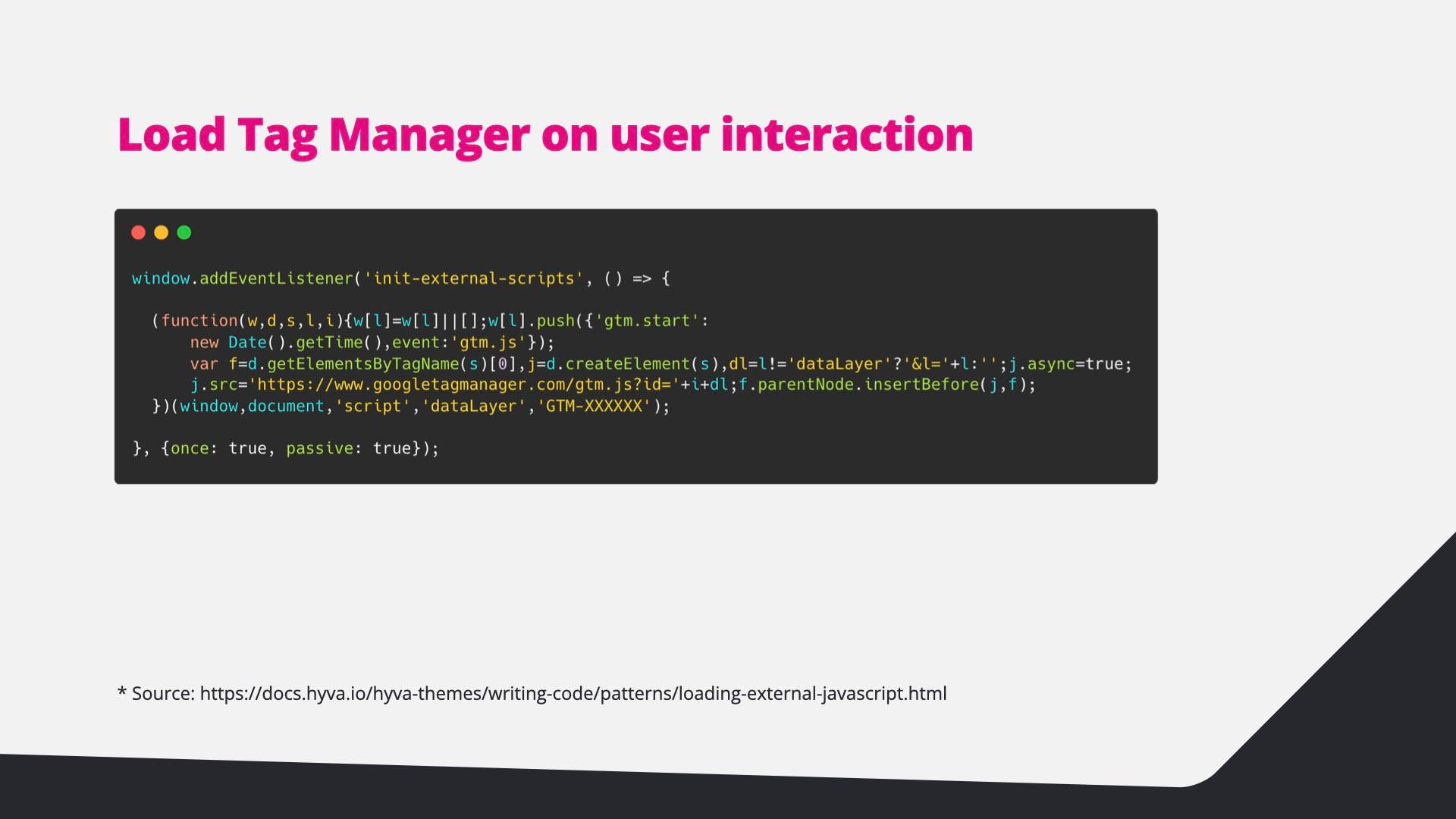
  27. Code: the Google Tag Manager snippet inside the init-external-scripts listener.
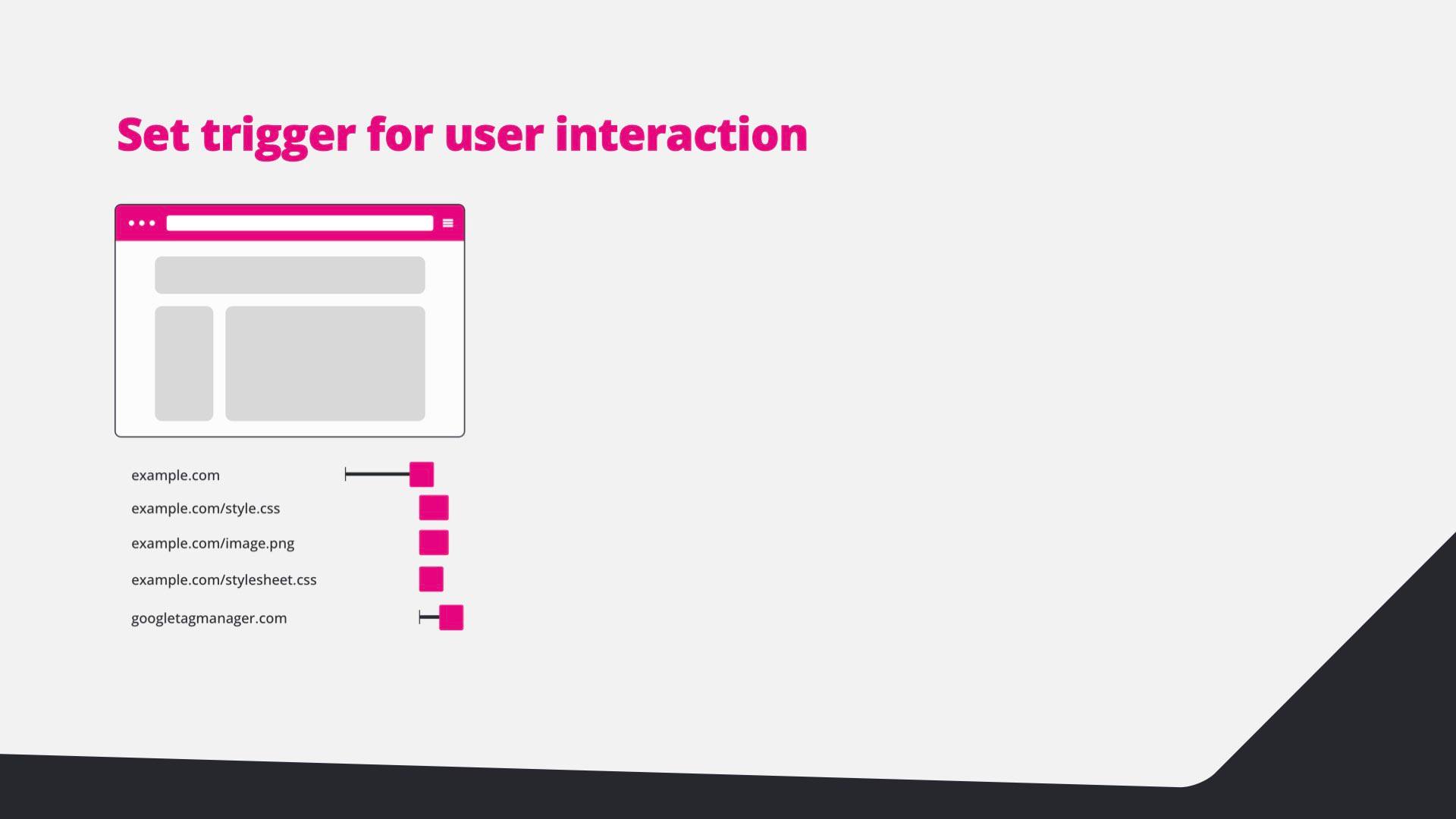
  28. Set a trigger for user interaction: the page loads with only the tag manager container.
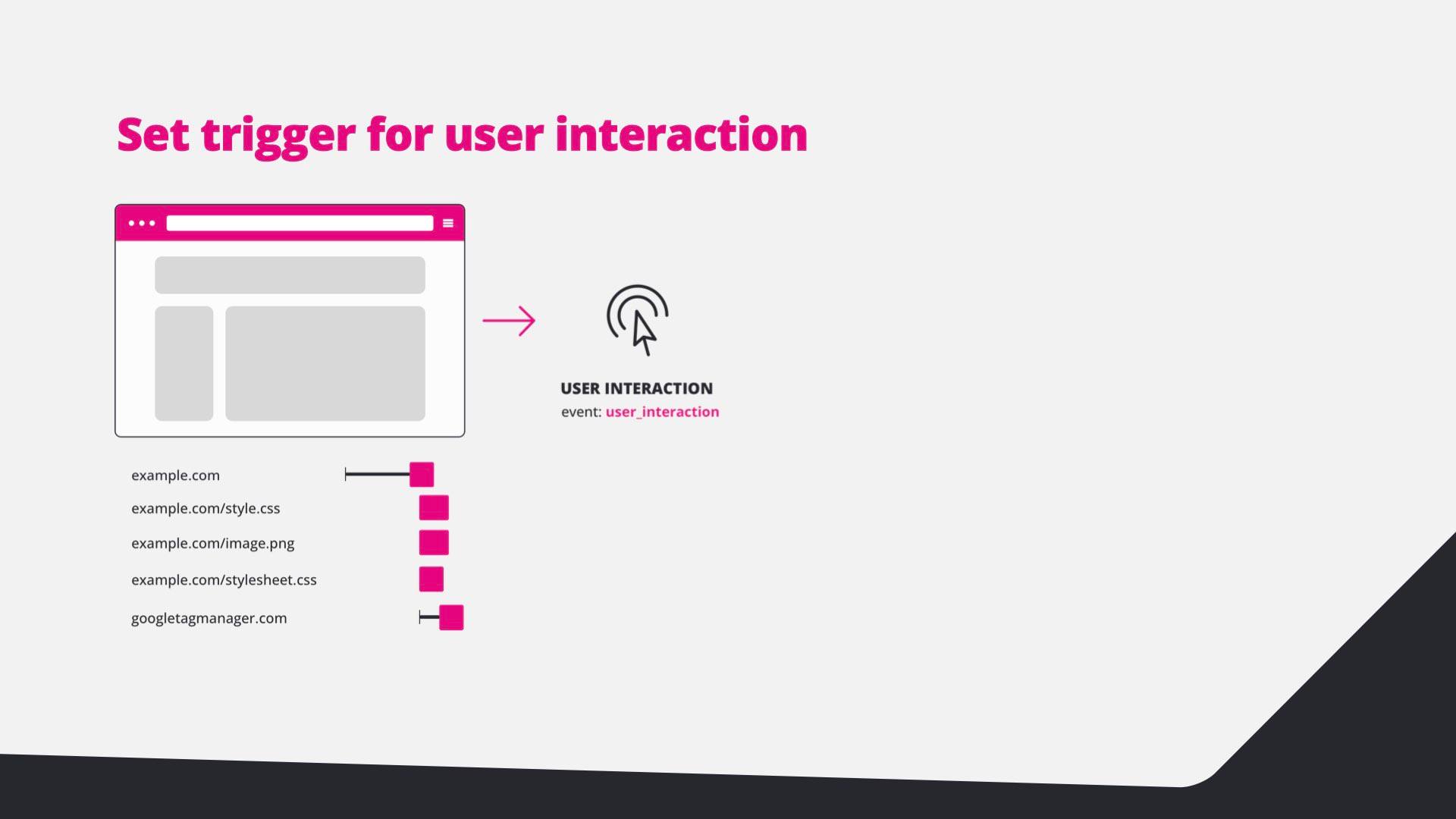
  29. Diagram: the user interaction fires the user_interaction event.
  30. Diagram: after the event, Facebook and Hotjar tags load.
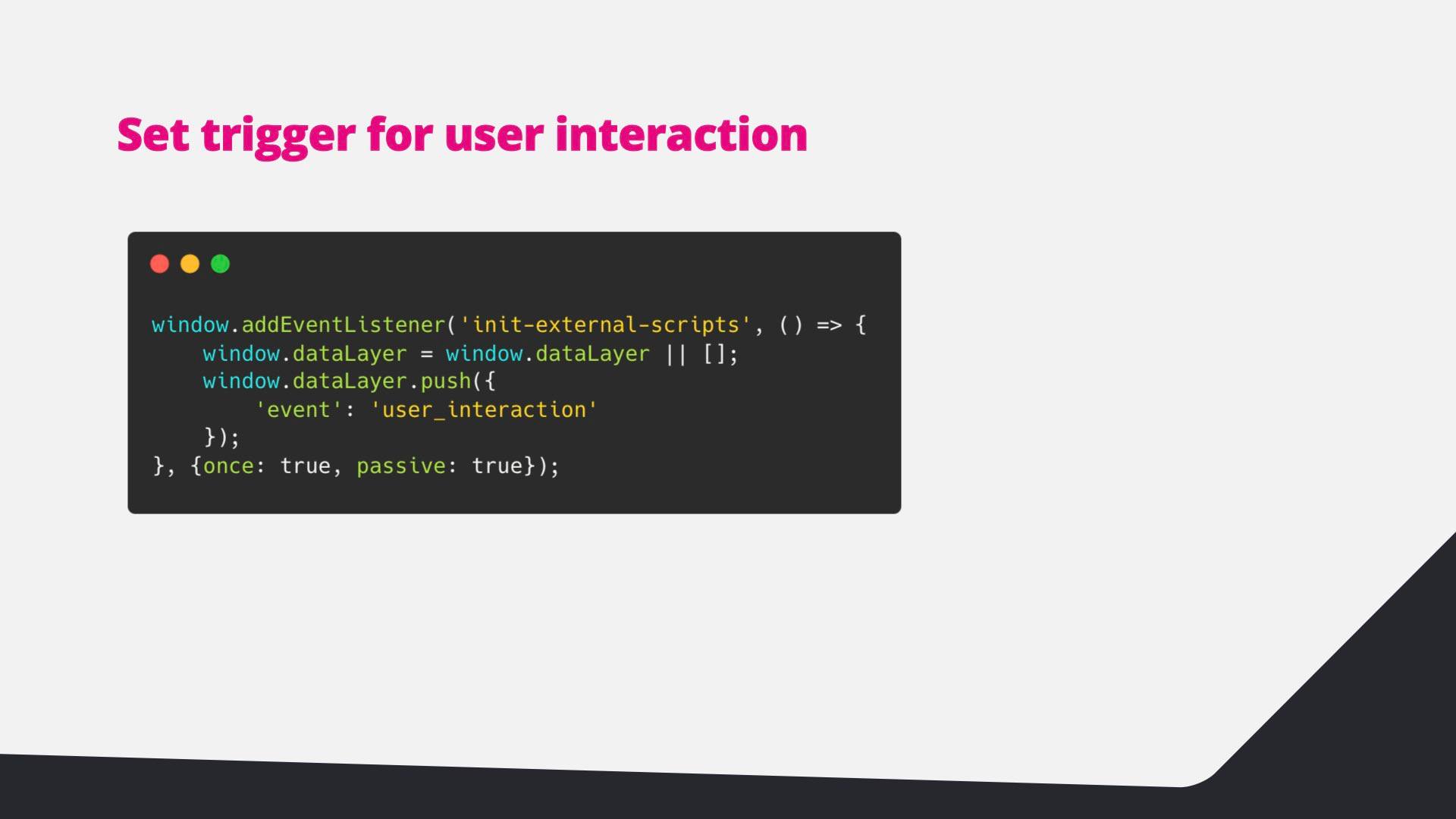
  31. Code: push a user_interaction event into the data layer on init-external-scripts.
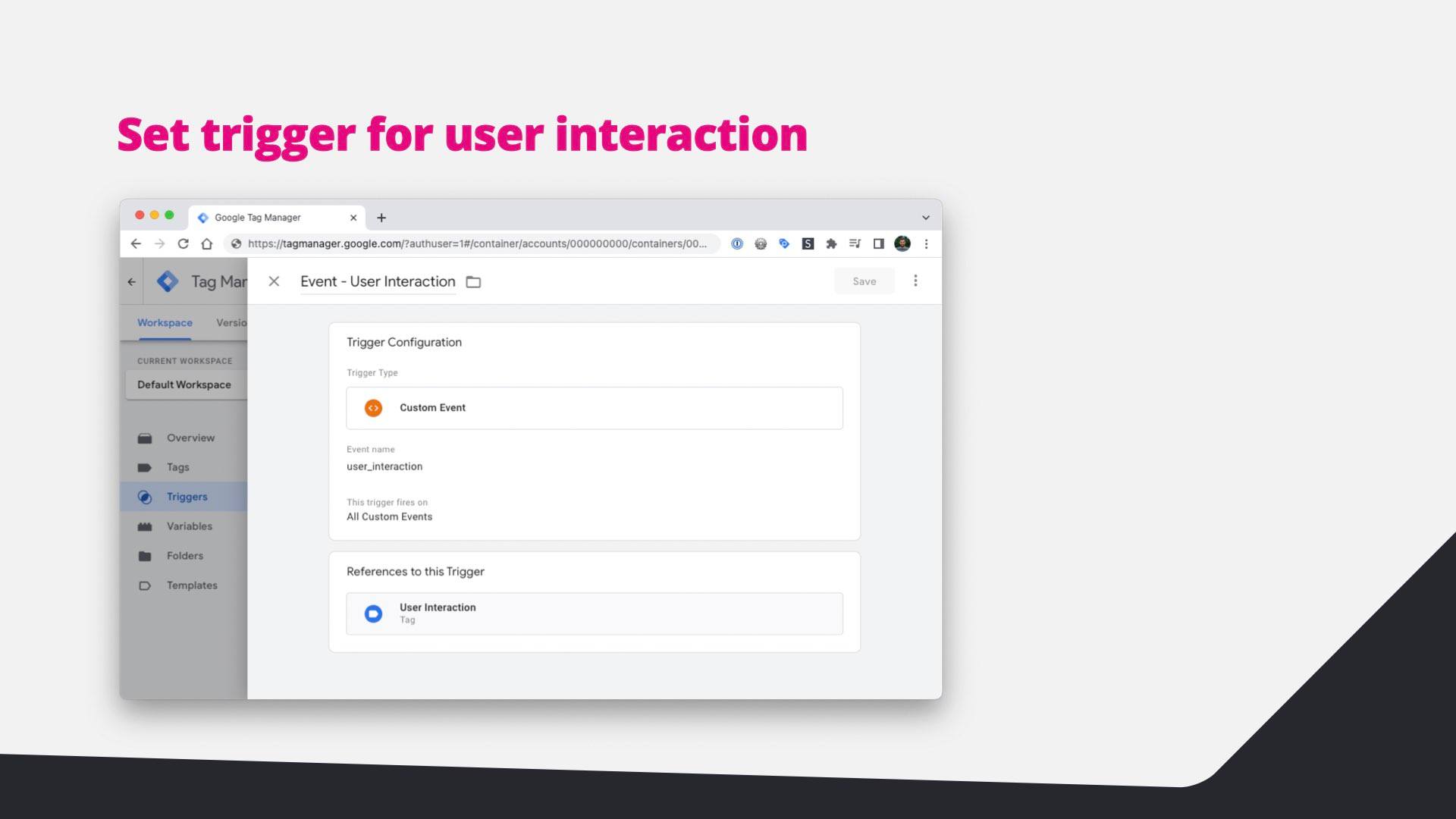
  32. Screenshot: a Custom Event trigger named user_interaction in Google Tag Manager.
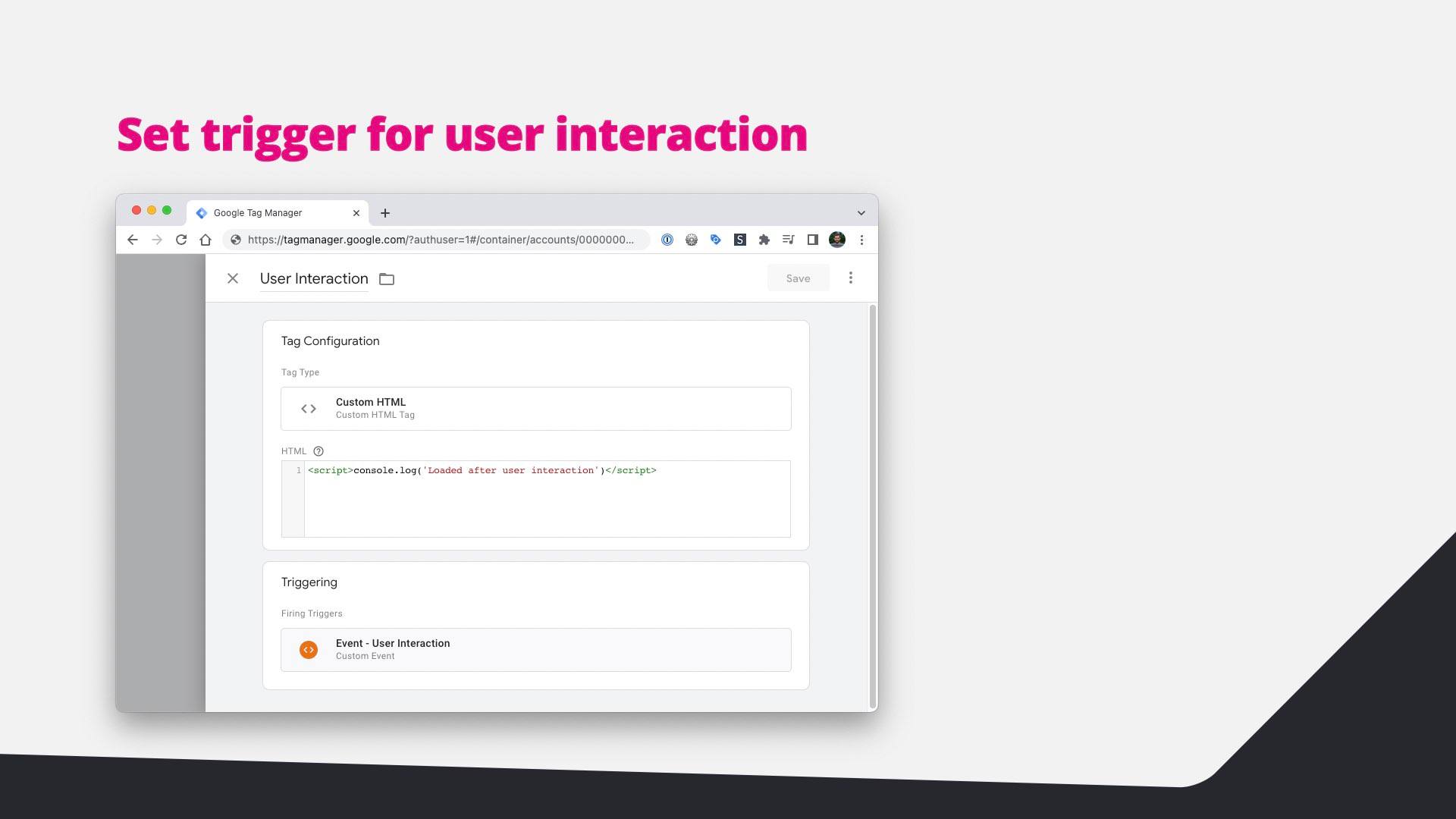
  33. Screenshot: a Custom HTML tag that fires on the user interaction trigger.
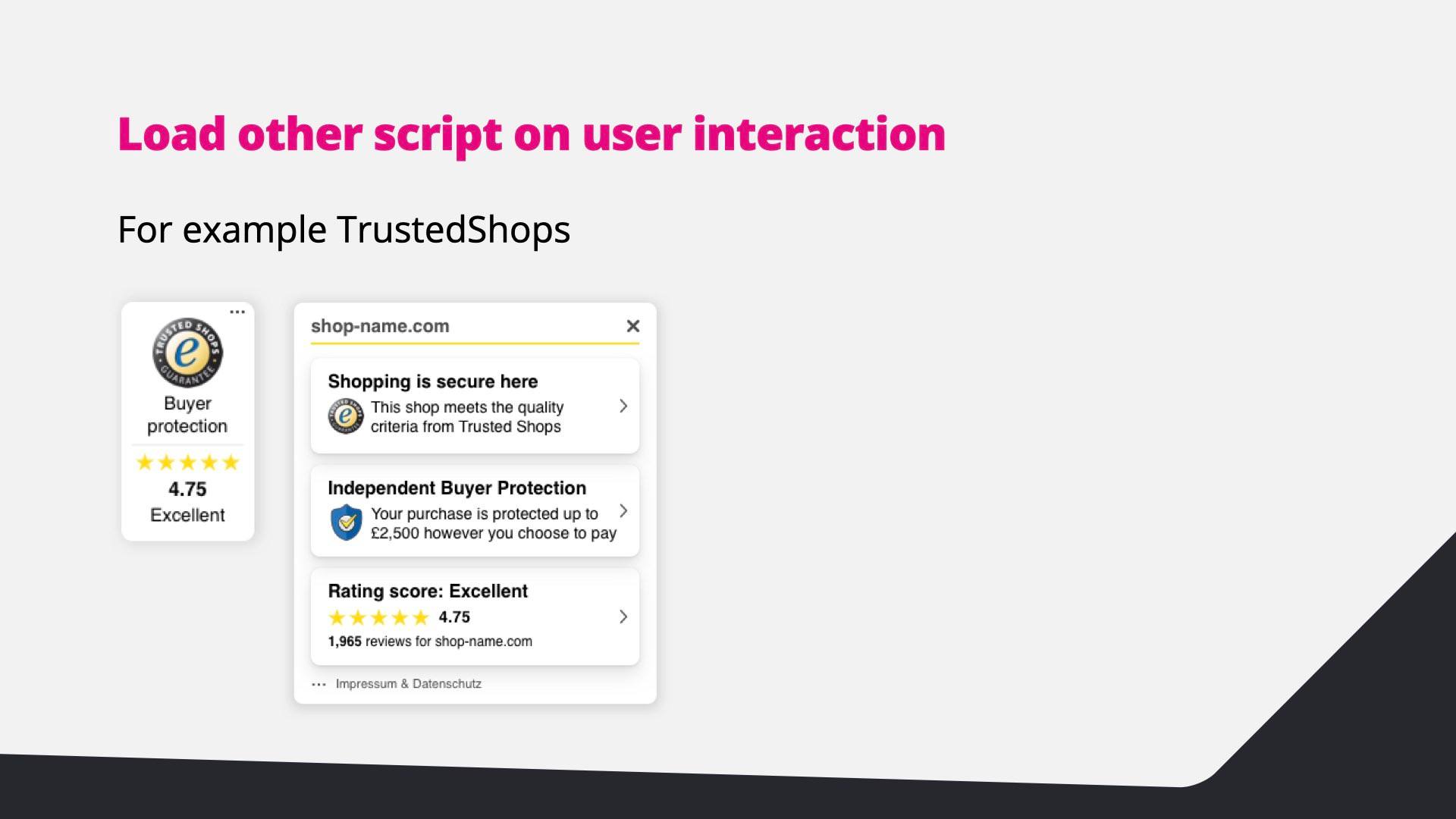
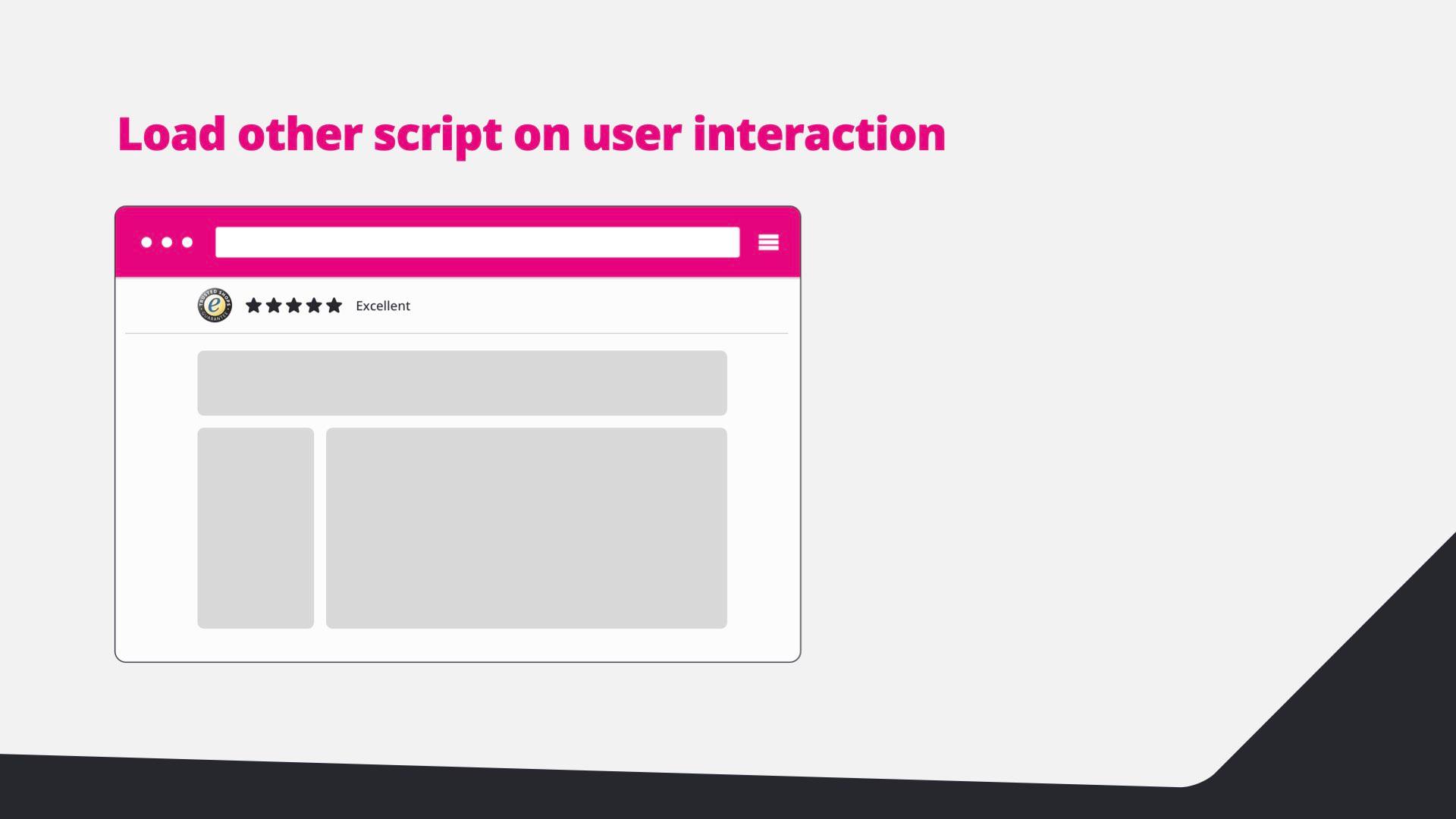
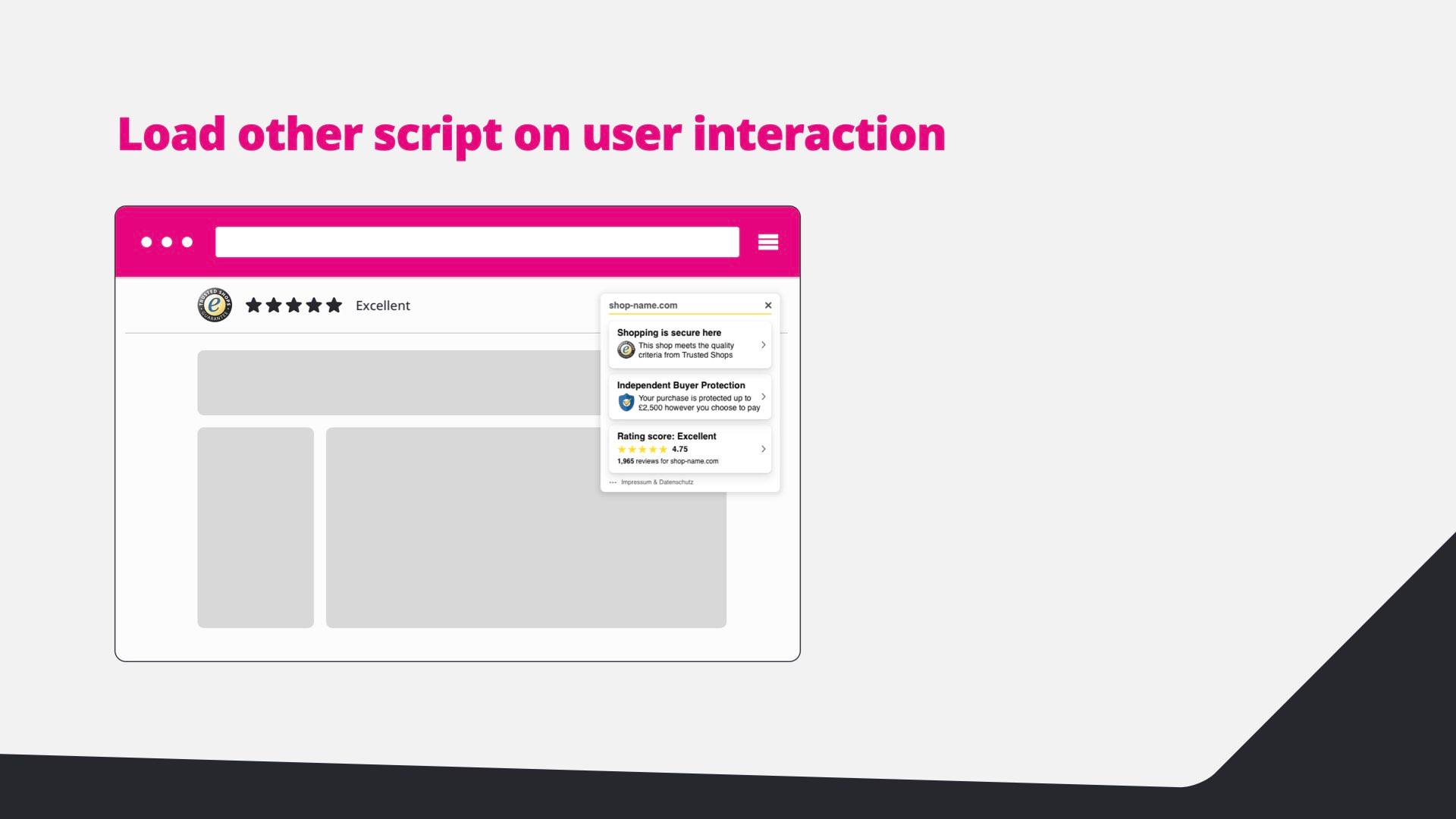
  34. Load other scripts on user interaction, for example the Trusted Shops badge and popup.
  35. Diagram: the page shows the Trusted Shops rating bar.
  36. Diagram: the Trusted Shops popup opens after interaction.
  37. Load the chat widget on click: chat widgets are 500 kB to 1 MB; load them via a fake button.
  38. Partytown (beta): get third-party scripts off the main thread.
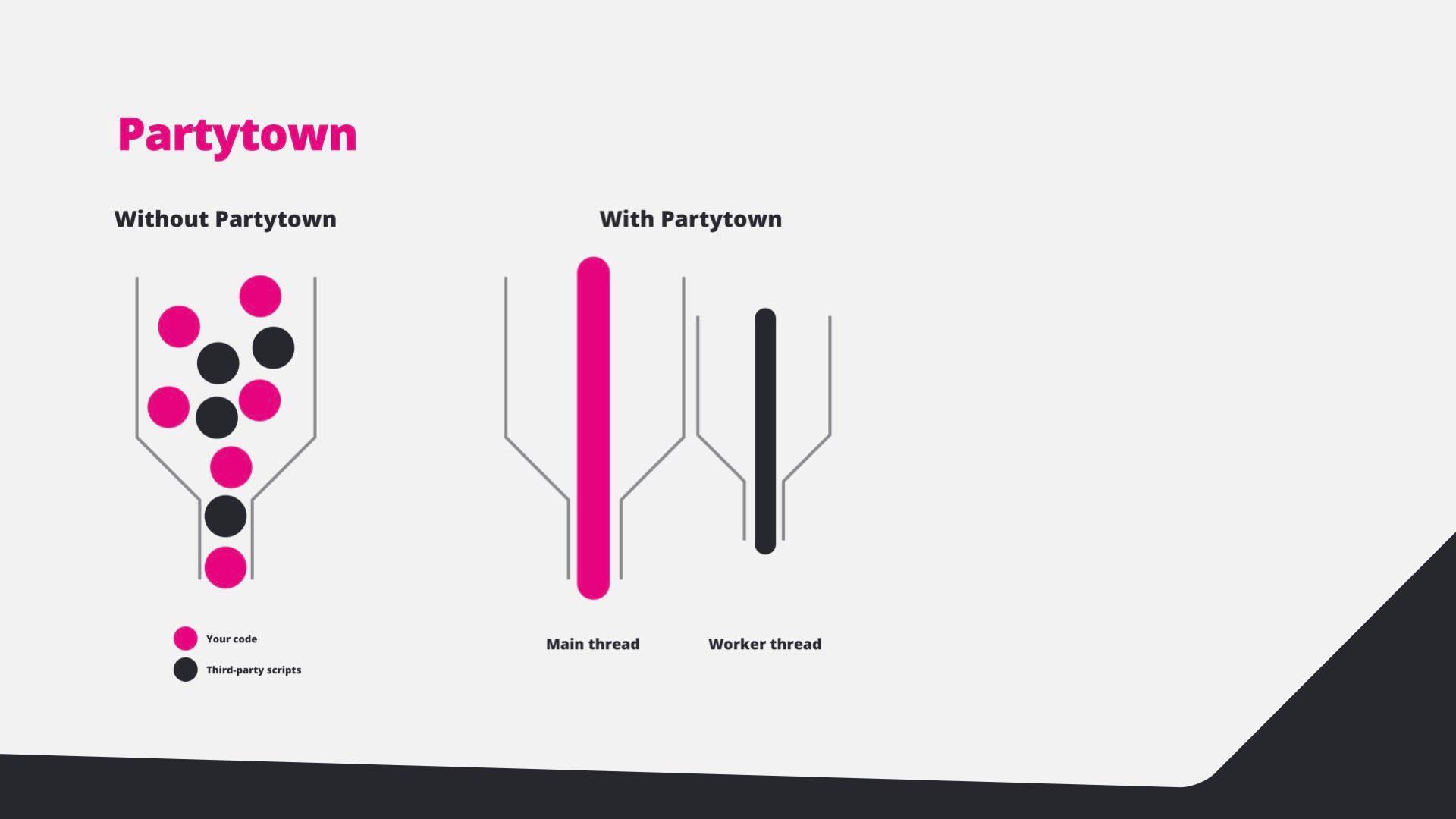
  39. Diagram: without Partytown everything shares the main thread; with Partytown third-party scripts run in a worker thread.
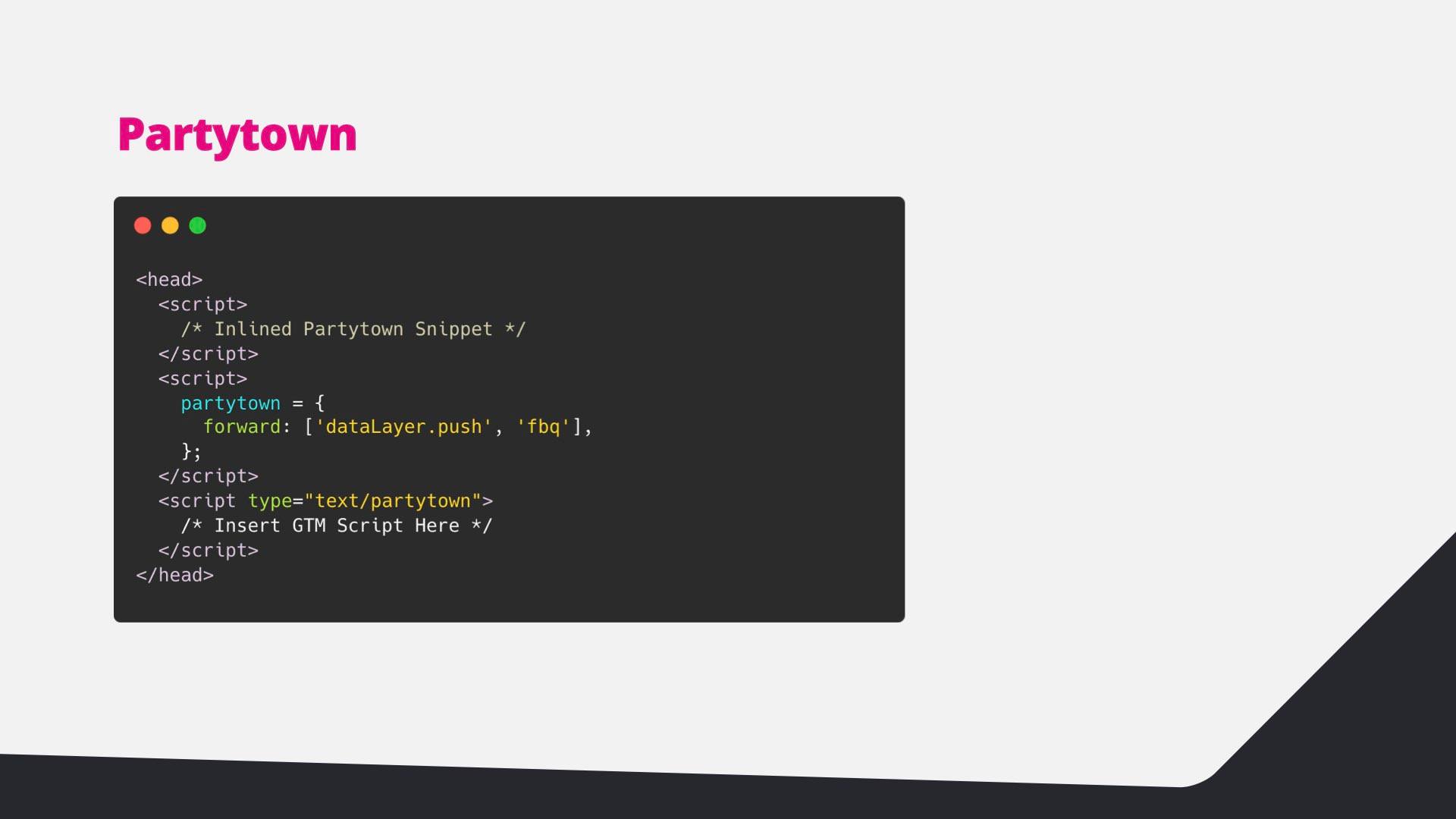
  40. Code: the Partytown snippet with Google Tag Manager running as text/partytown.
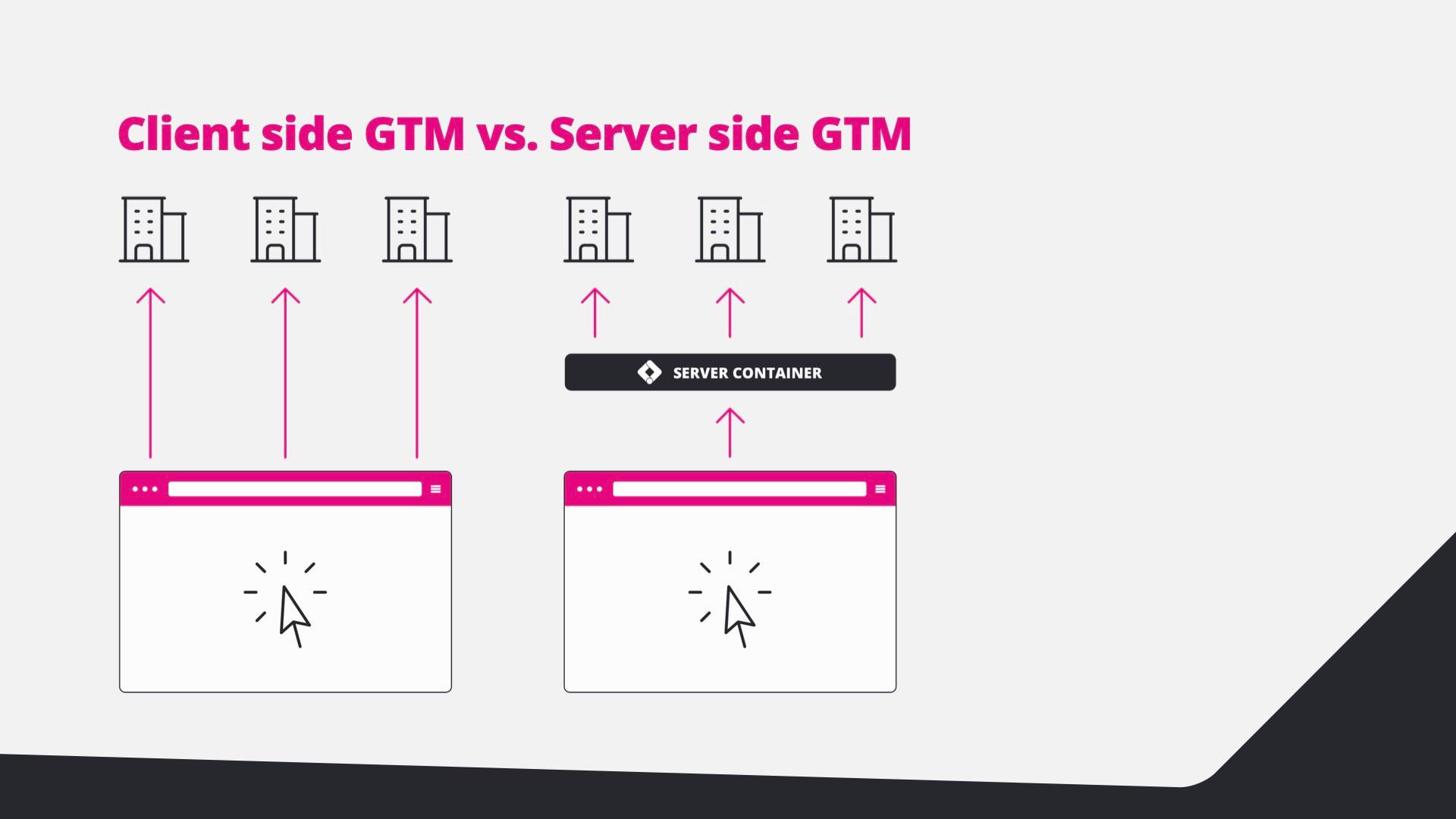
  41. Client-side GTM versus server-side GTM: with a server container, the browser talks to one endpoint.
  42. Browser-based tracking and cookies won’t last long; server-side tracking is the future and makes third-party scripts first-party.
  43. Server-side caveats: only for tracking and marketing code, some scripts still need the client, it can get expensive and very technical.
  44. This is the end, beautiful friend. Questions?
  45. This is the end, with a link to Edwin on Twitter.
  46. Thanks for watching.

01/ 46

Intro

The moment every store goes slow

You’ve just launched a new Hyvä store. On the test environment it scored a perfect 100 on PageSpeed Insights. Then the tag manager goes live. Marketing adds a conversion tracker, a visitor-behaviour tool, a chat widget, a review badge and a YouTube video, and with every tag the score slides further down.

At the Hyvä Meetup I talked about exactly that moment: what third-party scripts really cost, and how to keep a store fast without telling marketing “no”.

Why it matters

Speed is not a vanity metric. A one-second delay in mobile load times can cut conversion rates by up to 20%, and back in 2006 Amazon found that every 100 ms of extra load time cost them 1% in sales. A slow experience drives customers away; a fast one helps you win and keep them.

A perfect PageSpeed score is a good starting point, not the goal. The real story is in the waterfall: open DevTools or WebPageTest and look at what loads, in which order, and what blocks the page.

Start with the low-hanging fruit

Before optimising anything, remove what you don’t need:

  • Leftovers — scripts in the tag manager that belonged to the old site.
  • Dead subscriptions — scripts for services nobody pays for anymore.
  • Nice-to-haves — scripts that do something, just nothing that matters to the business.
  • Platform features — native browser APIs, like the Web Share API, that replace a whole library.

Then swap the heavy scripts you keep for lighter ones. Lite YouTube Embed renders a video roughly 224× faster than the default embed, and Minimal Analytics 4 sends Google Analytics 4 events with about 2 kB of JavaScript.

Get out of the critical path

  • Don’t block rendering. A third-party stylesheet or a synchronous script in the <head> holds the whole page hostage. Load scripts with async or defer.
  • Warm up the connections you need. Fonts from Adobe Typekit are a classic chain: a stylesheet that imports another stylesheet that finally requests the font. preconnect to those origins and preload the font file, and the chain collapses.
  • Host third-party scripts yourself. Serving a copy from your own domain turns a third-party request into a first-party one. Scripts that change a lot can be refreshed nightly. Google Fonts is the best-known example (even if it isn’t a script).

Load on user interaction

The biggest win: don’t load the tag manager — or any heavy script — while the page loads. Load it the moment the visitor first interacts: touchstart, mouseover, wheel, scroll or keydown.

Hyvä has this pattern built in. It dispatches an init-external-scripts event once, on the first interaction. Listen for it and push an event into the data layer:

window.addEventListener('init-external-scripts', () => {
  window.dataLayer = window.dataLayer || [];
  window.dataLayer.push({ event: 'user_interaction' });
}, { once: true, passive: true });

In Google Tag Manager, create a Custom Event trigger for user_interaction and fire the heavy tags on it instead of on page view. The first paint stays clean; the tags still load before anyone can click “buy”.

The same trick works for other widgets. Load review badges like Trusted Shops on interaction, and load chat widgets — often 500 kB to 1 MB of React — only when someone clicks a lightweight, fake chat button.

Going further

  • Partytown (still in beta) moves third-party scripts into a web worker, off the main thread, so your own code gets the CPU.
  • Server-side Google Tag Manager. Browser-based tracking and cookies are on borrowed time; server-side tracking is where this is heading, and it turns third-party scripts into first-party requests. But it only covers tracking, analytics and marketing tags, some tools still need client-side JavaScript, it can get expensive (especially when done wrong) and it gets very technical, very fast.

Takeaway

A fast store is not a one-off optimisation. It’s a series of deliberate choices about what you load, when you load it and how. That’s what keeps a Hyvä store as fast in production as it was on the test environment.